Exercise 03 Computer-controlled Cutting
Assignment
1. Design and print from a viynl cutter
2. Make a Lasercut object and test with various cutting setting
2. Design and make a parametric press-fit construction kit
Vinyl cutting
I have a lot of fun to do this task whcih leads me to have a diffciult time to decide on what i wanted to do. Since Chinese New Year is around the corner, i decided to do a Chinese New Year Stickers.
Once i decided on my design, the rest are pretty much quite easy for me, as my last week assignment i spent quite a substantial time on the designing tools.
Below are the steps:
|
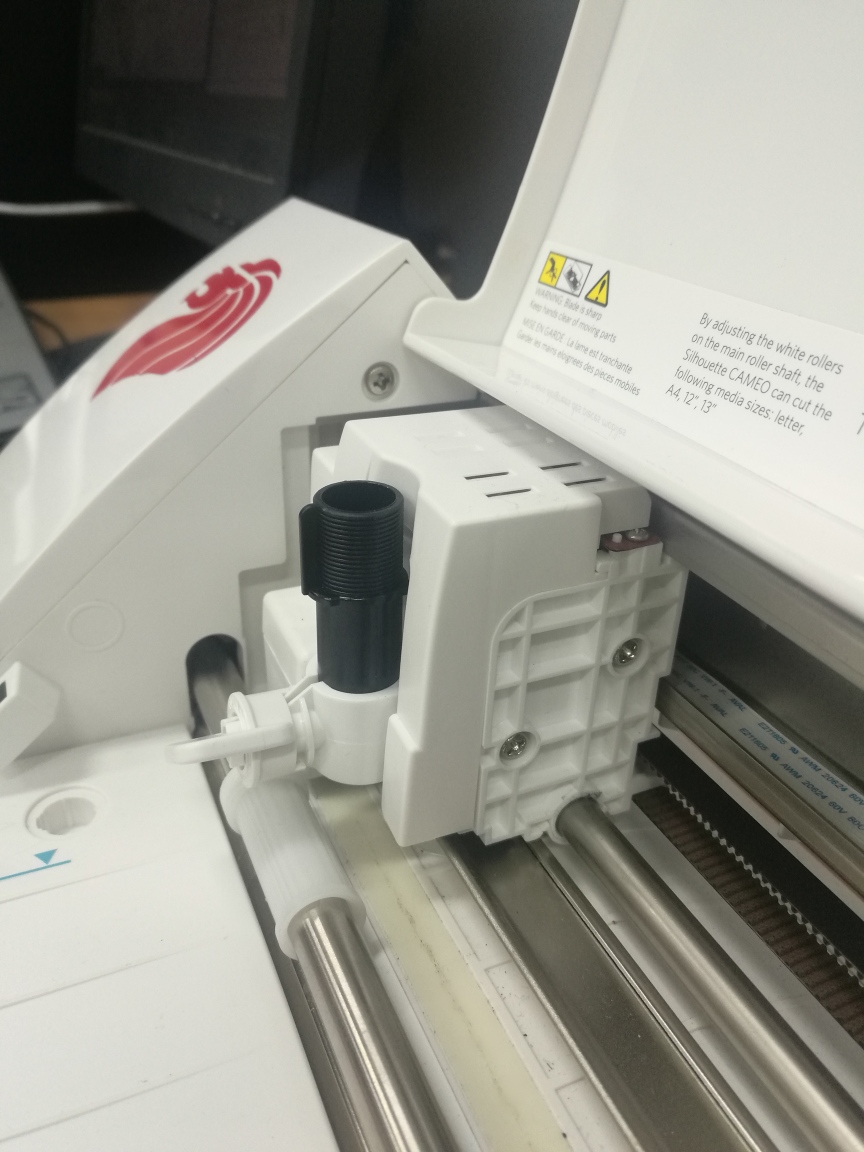
Vinly cutter. It is important to adjust to correct cutter length, adjusted too much or too little will cause the end design to either over-cut or under-cut. If over-cutted, the design will be difficult to transfer and the design will not be of your desired. Whereas under-cut, you will not able to transfer your design out.
|
|
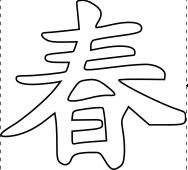
Uploaded my design to vinyl cutter. The design is in vector that was done by using Inkscape.
|
|
Testing on the setting with cutter set @ 2 point on a white vinyl paper.
The result looks pretty good.
|
|
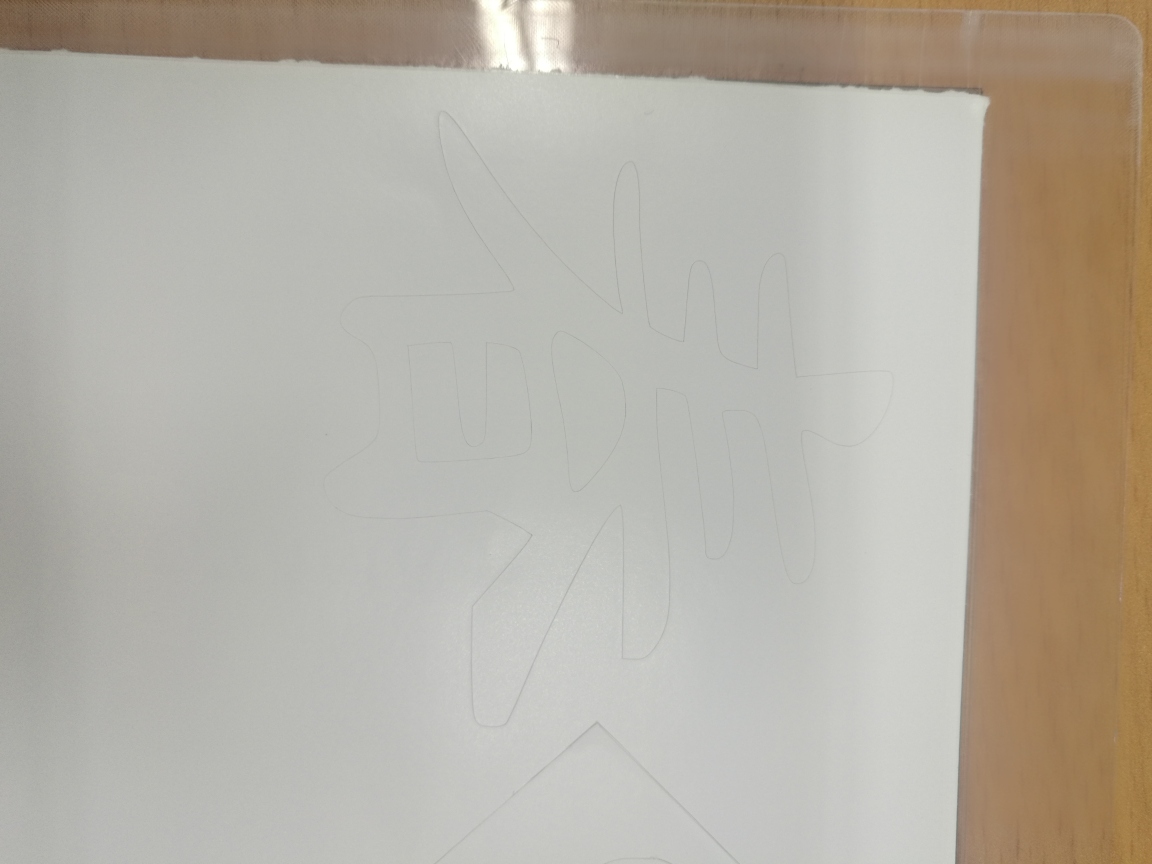
Under-cut
I used the same setting as per my previous tried out. However, this time the cutting failed. As i changed to another type of vinyl paper , same setting is not working alright this time.
This is due to the thickness of both vinyl paper are different.
as you can see from the picture, you canhardly see any cutting on the paper.
|
|
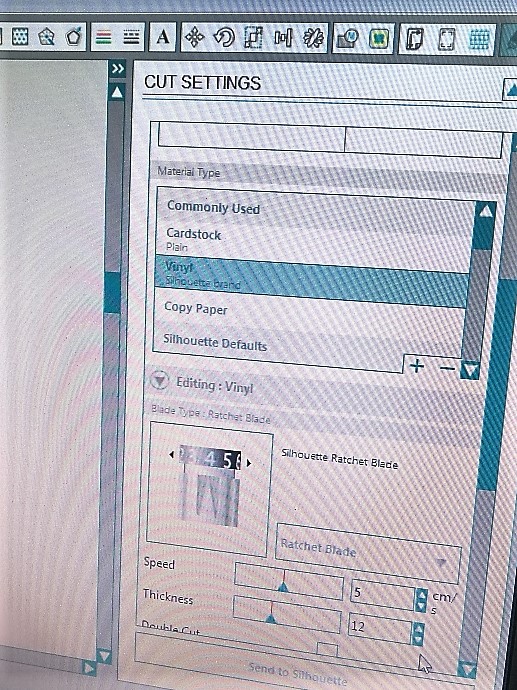
Adjusted setting
|
|
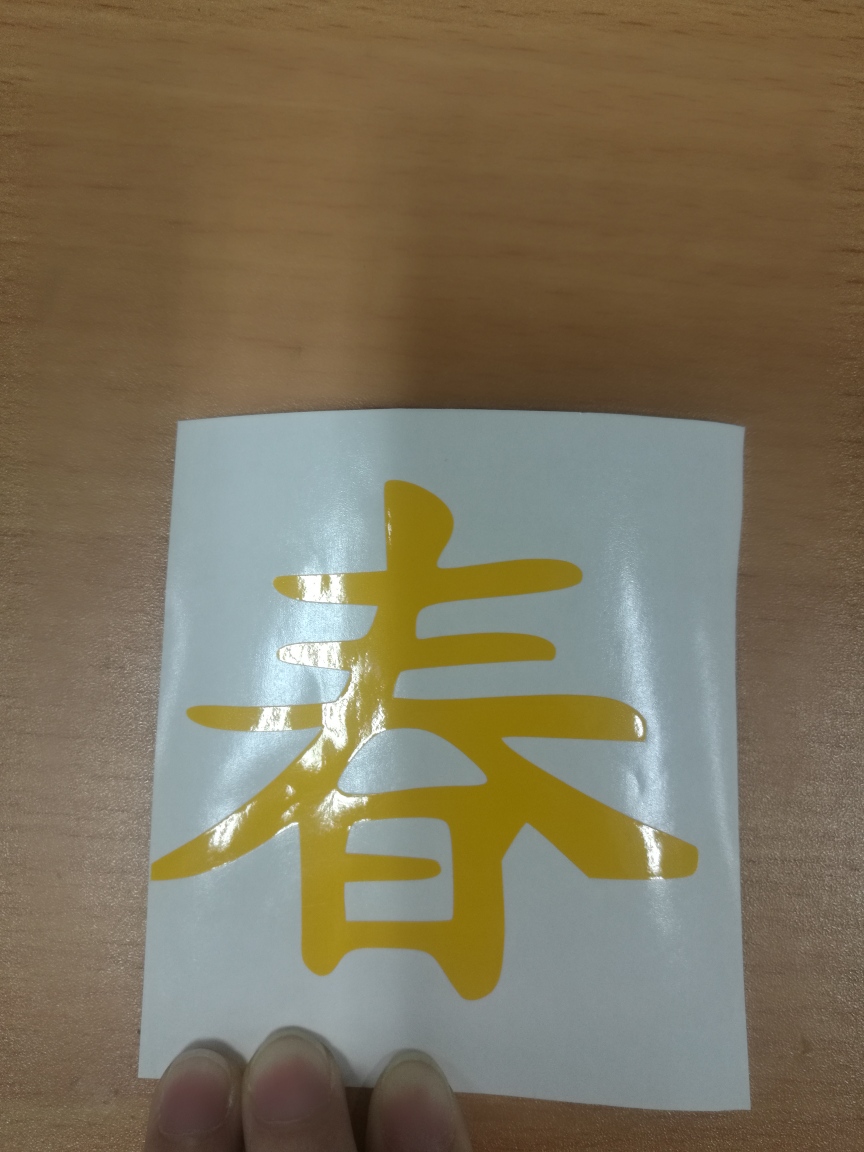
Changed the cutter setting incrementally from 2 to 4 point. The cutting is successful this time.
|
|
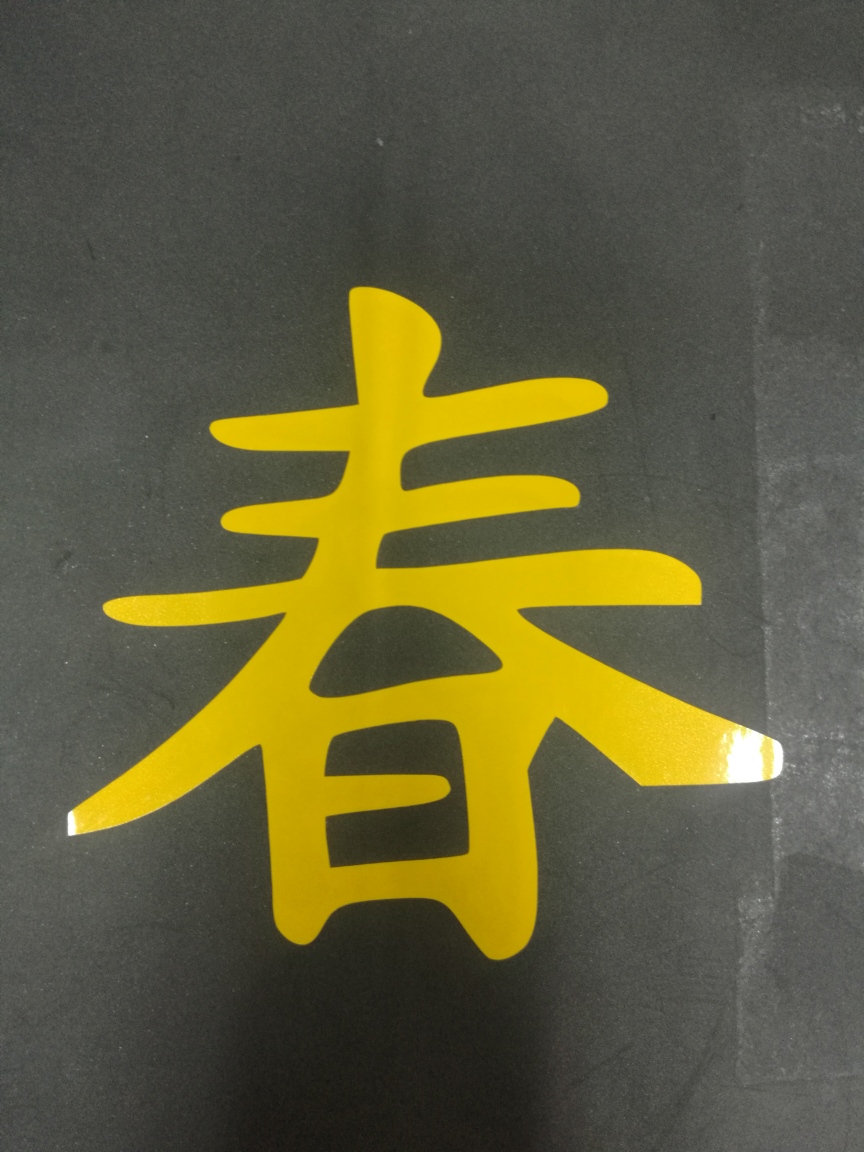
Transferred the cutting to my destination.
|
Press-Fit Laser cutting
The idea of making something that holds up together without external sealant or connection really amazes me. Those design can actaully withstand the same amount of force as those conventional one we see.
i browsed through internet to look for ideas, the more i researched, i wanted to do so many things. Finally i decided to do something simple. I decided to make a mini container holder, which i can display it in my office for decorationand as well as housekeep some small items.
|
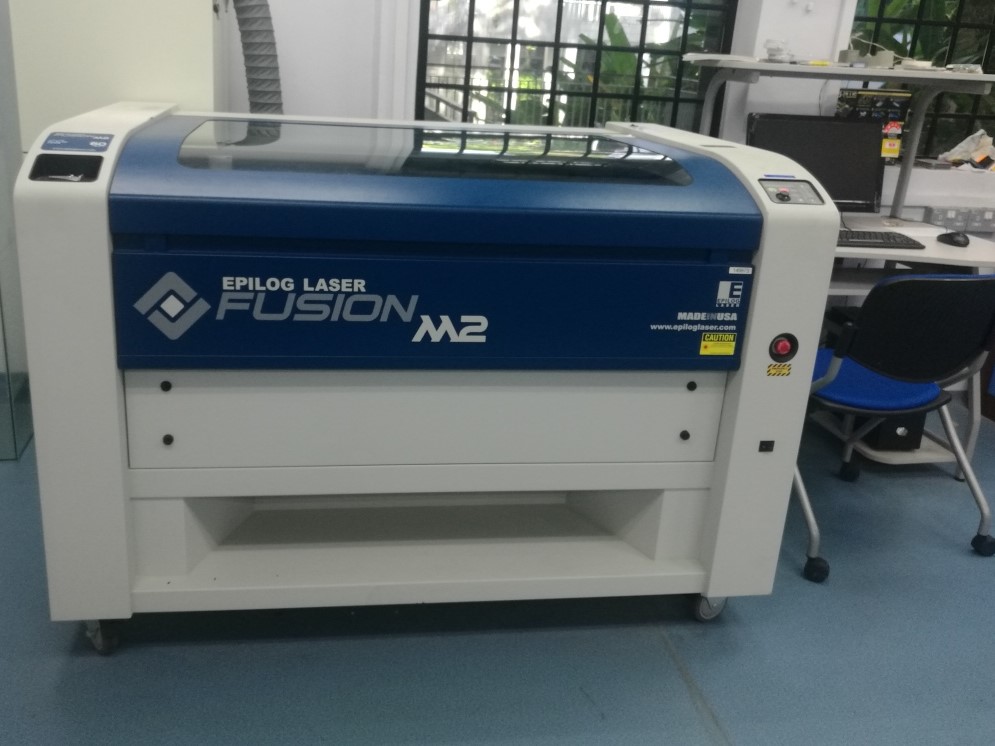
I will be using this machine Epilog Laser Fusion M2. to do my laser cutting.
|
|
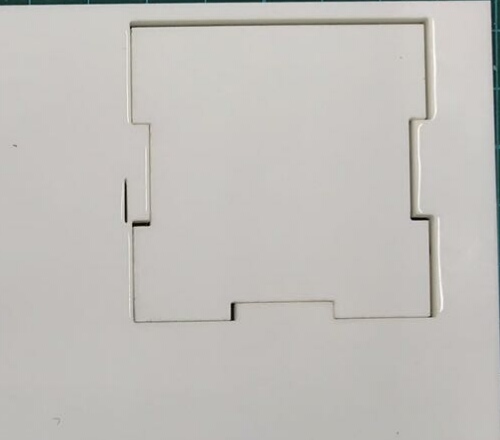
Just do some random test to get a better idea how kerf affected my laser cutting on a Acrylic materials.
|
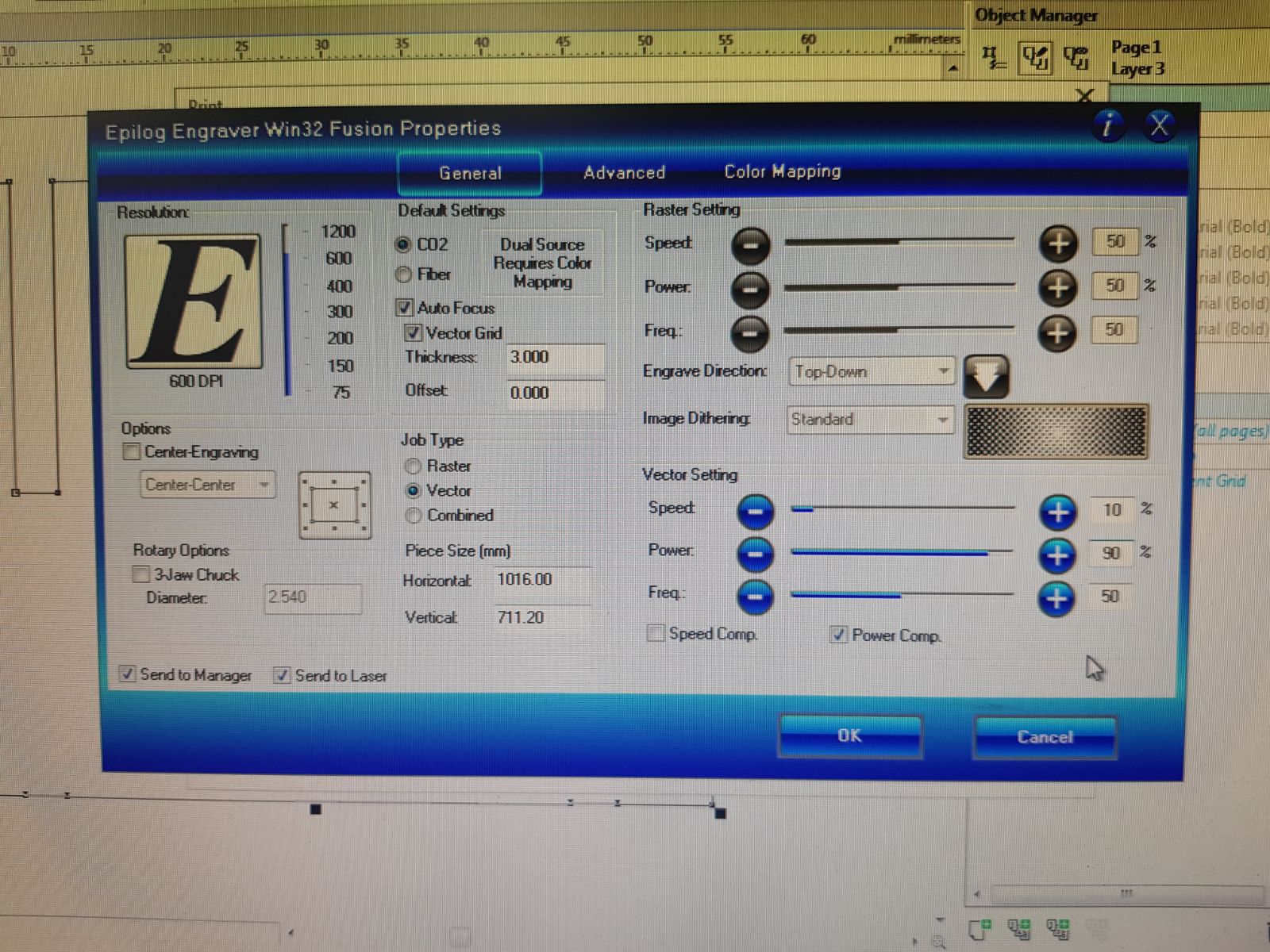
I cut a number of different sizes and tried on different combinations of speed and power to achieve the optimal settings for cardboard material.
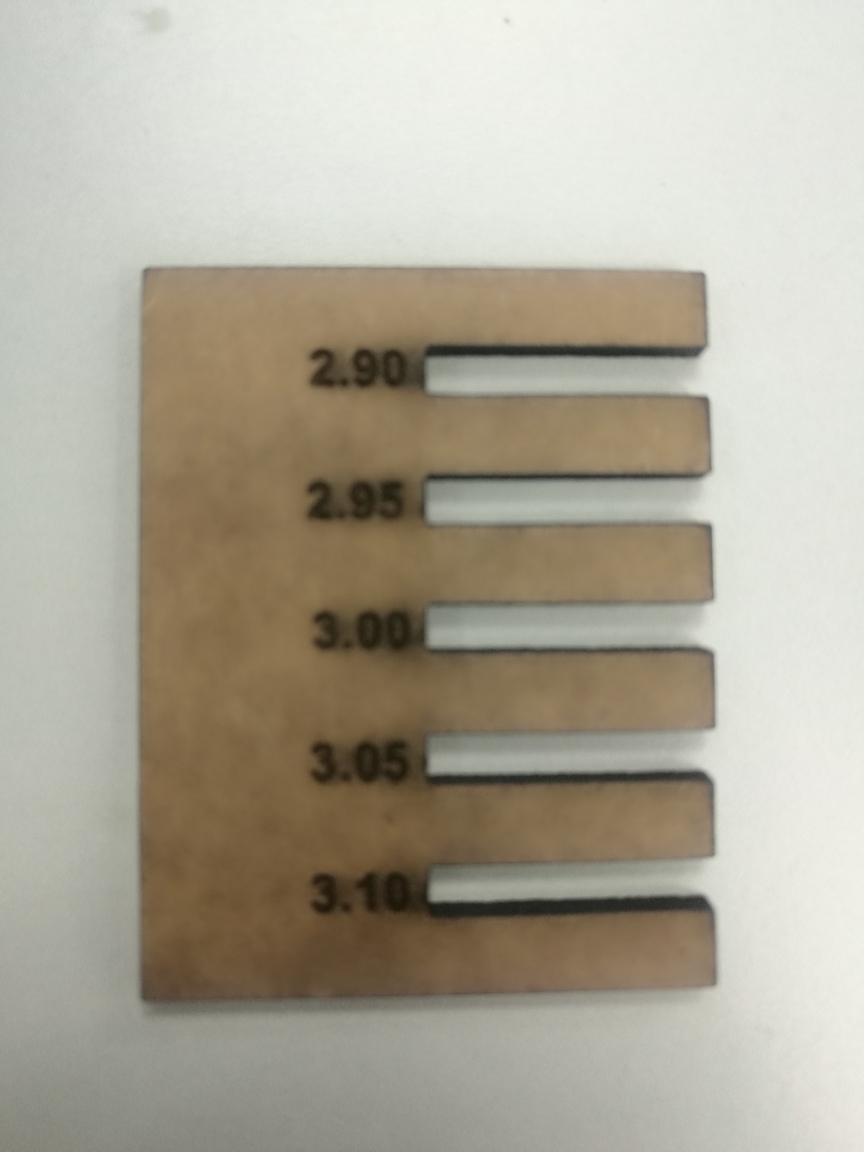
In order to achieve the 3mm press-fit, i cannot set the setting to exact 3mm, as some of he materials are wasted during laser cutting. Thus, the 3mm width is actually 3mm - kerf - kerf.This is the reason why the joints were not fit it perfectly. Therefore to overcome this, one side of the materials need 3mm + kerf + kerf, then a 3mm piece can fit it in perfectly.
For my laser cutting, below are the steps:
Step 1, using Fusion 360 to sketch a 2D sketch, and assembly the sketches into 3D.
Step 2, upload the file to Corel
step 3, send for laser cutting
|
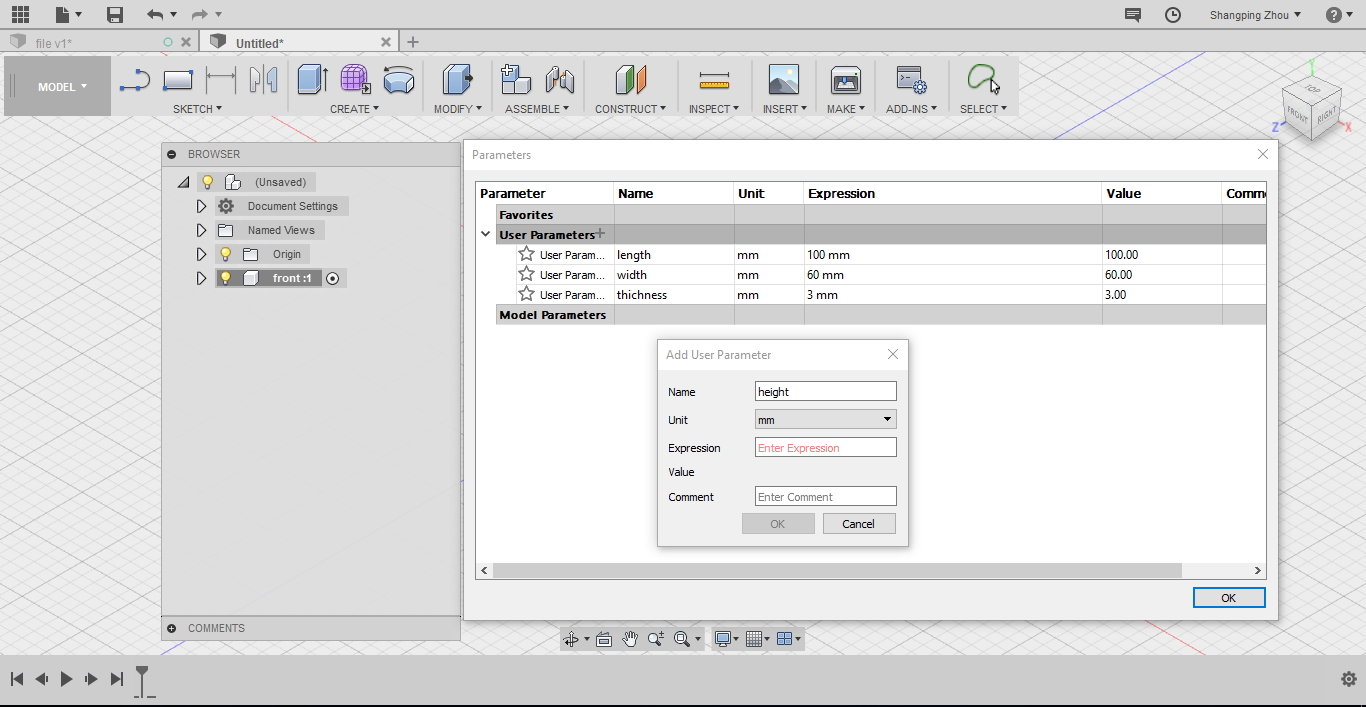
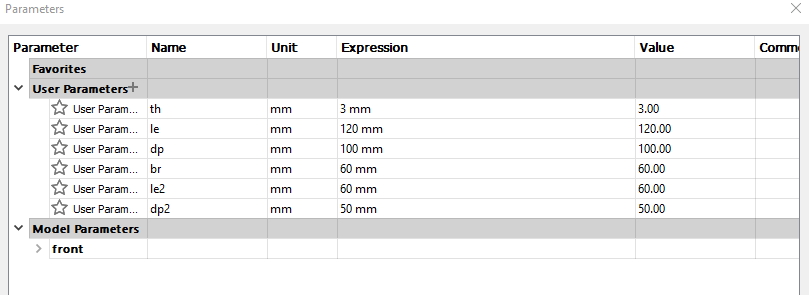
Set Fusion 360 parametrics prior my sketching.
|
|
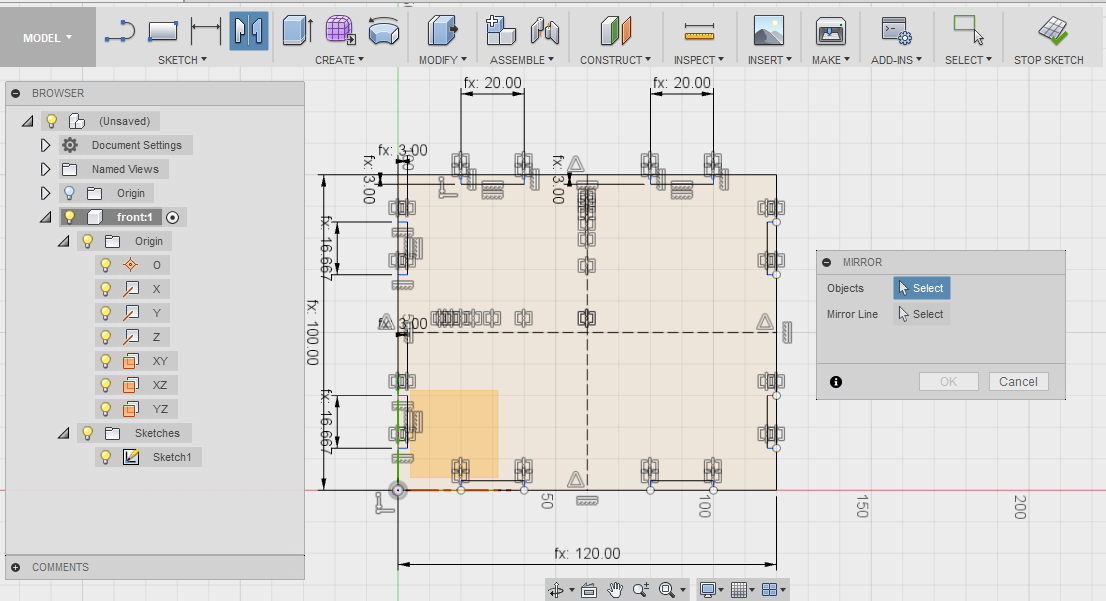
Front 2D sketch.
I drew a box, then trimmed to my design. Afterwhich, i use mirror fucntion to copy the other symamatrical halves.
|
|
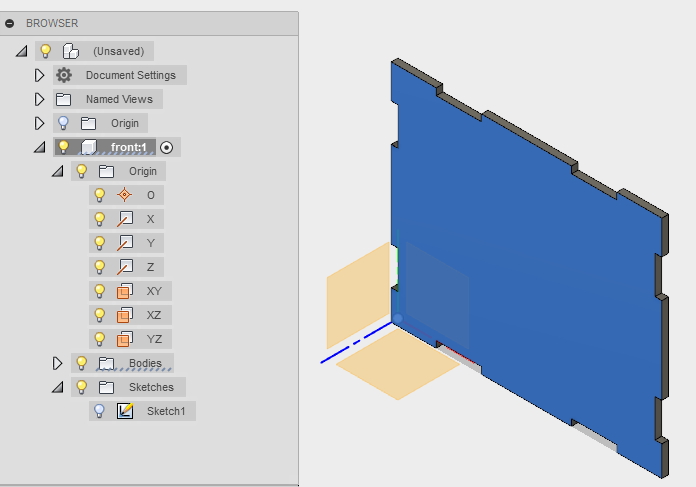
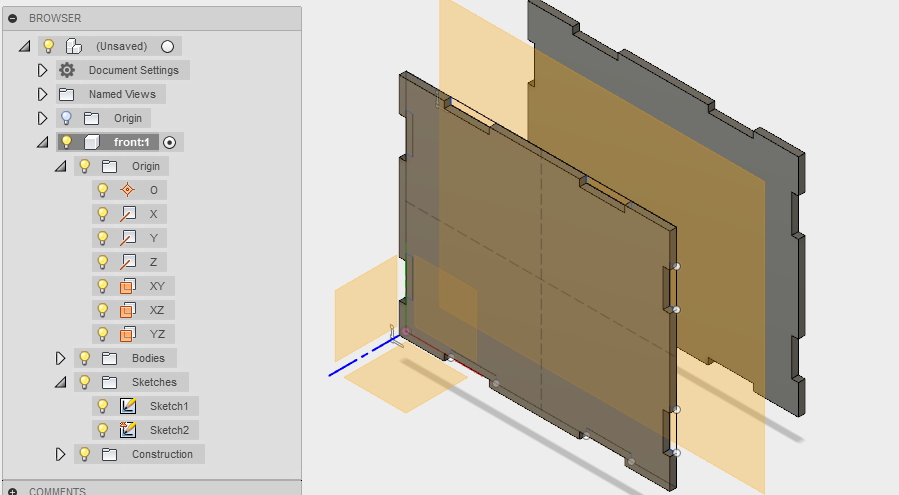
Front 3D.
I used "Extrude" function to create the 3D image.
|
|
Front 3D.
Used mirror function to create the other symatrical plane.
|

|
Create the other 2 planes as per steps above.
|
|
|
Assembly of the box.
|
|
|
Assembly of the box.
|
The sketches of the file are saved and imported to the laser machine computer whereby it has it own software Corel.
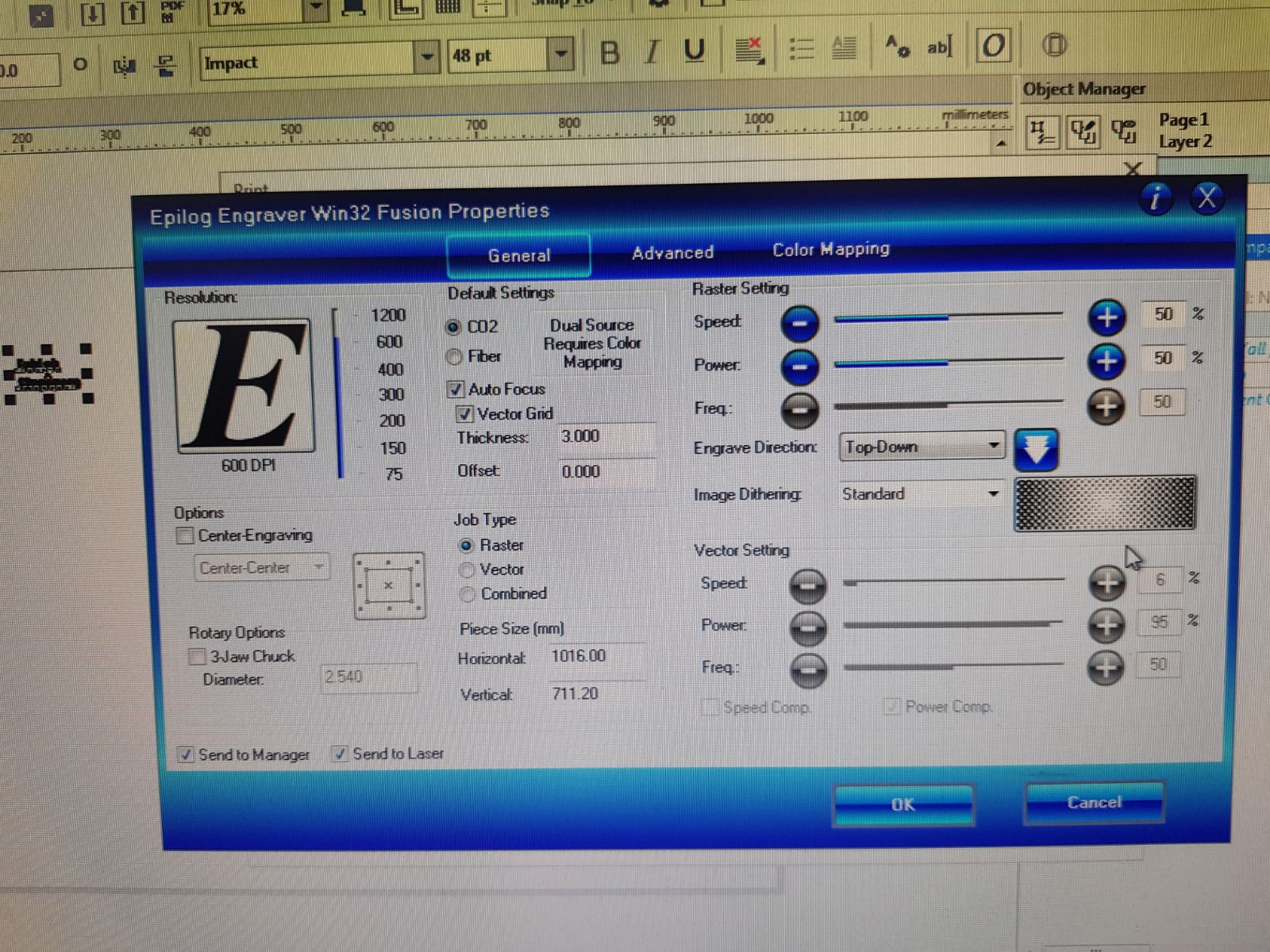
I decided to add in the engraving last minute when i found out that i can do the negraving from the laser machine computer.
|
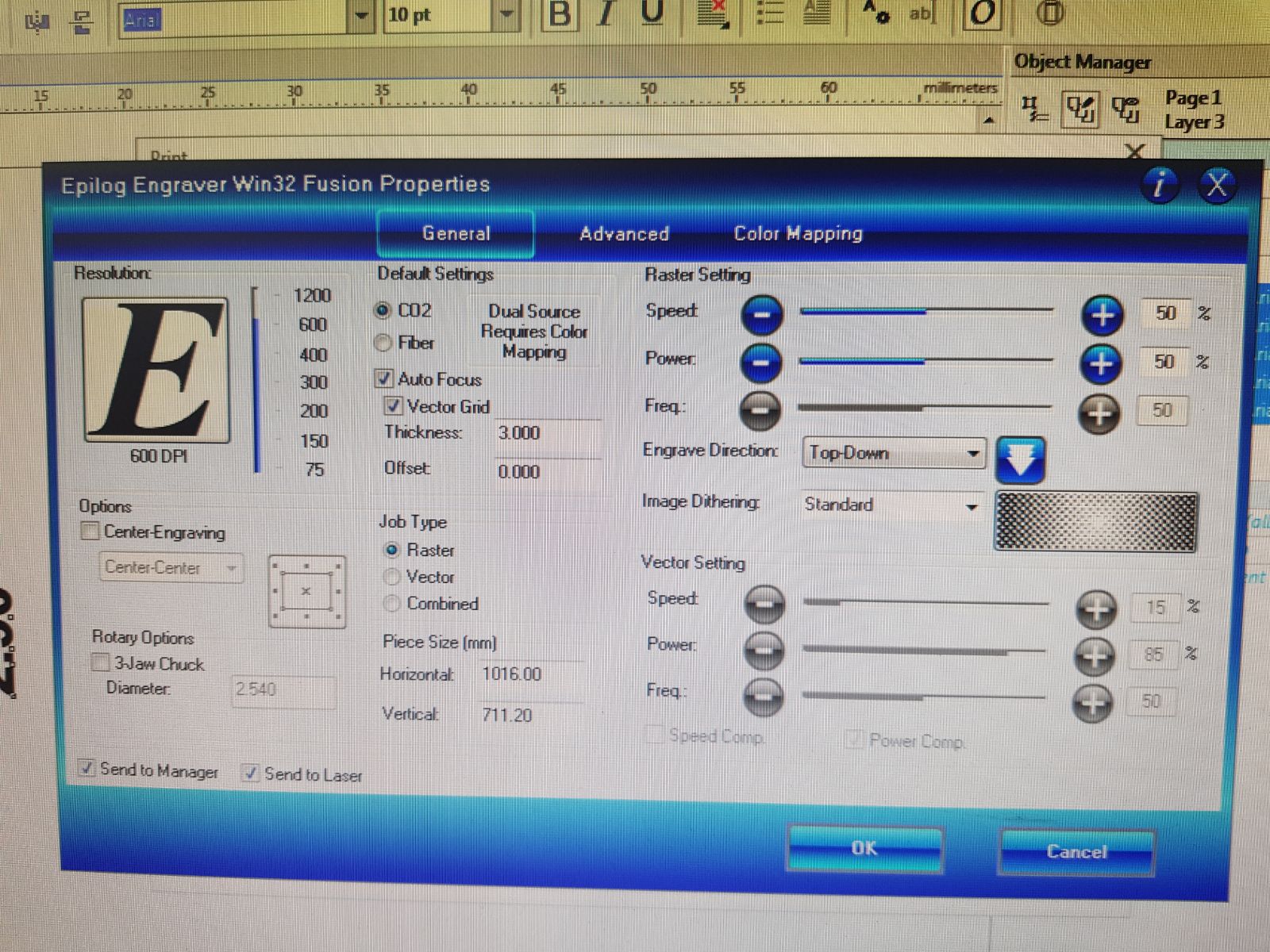
Rastor cutting setting for the engraving on th box.
|
|
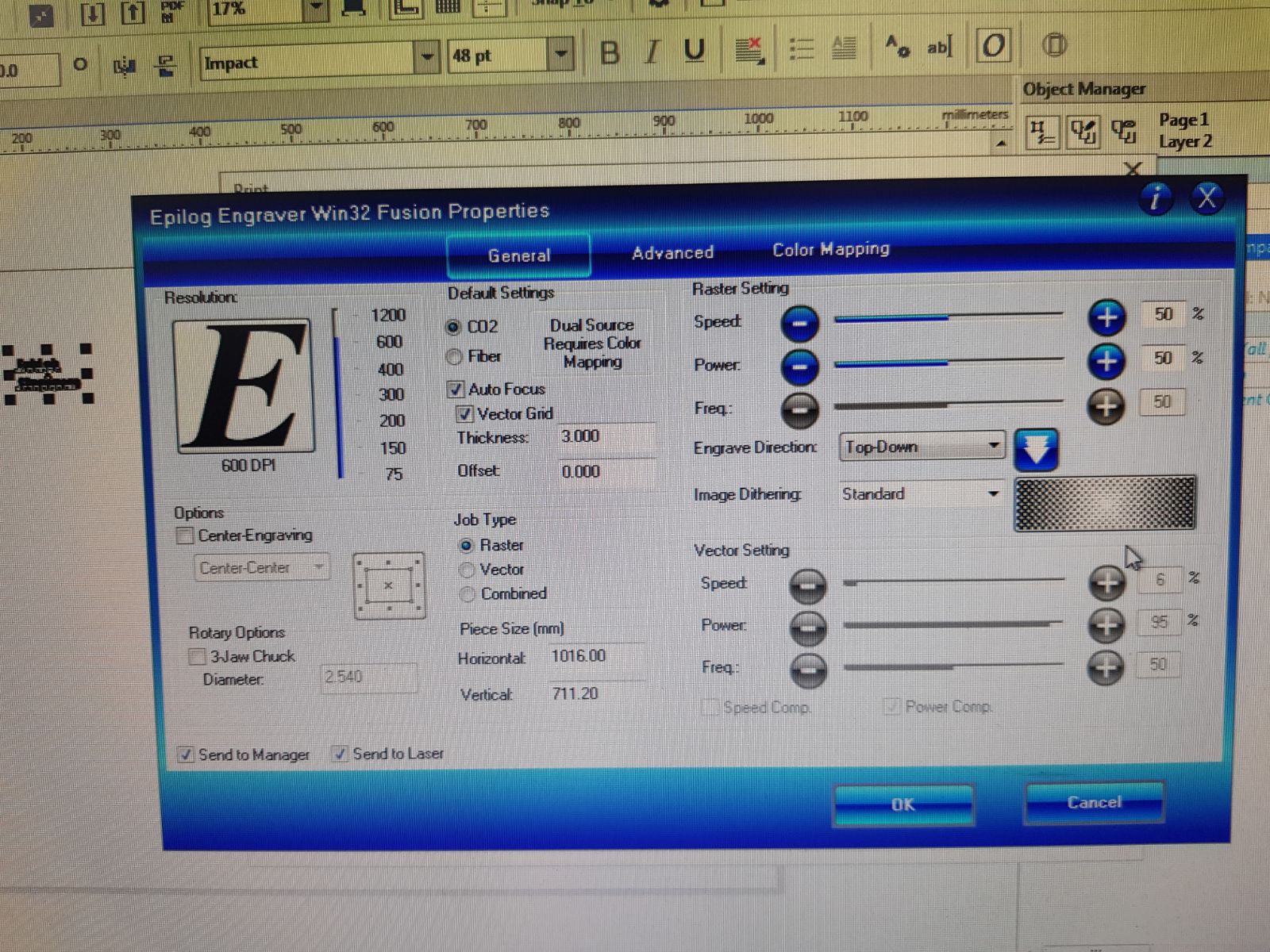
Vector cutting setting.
|
|
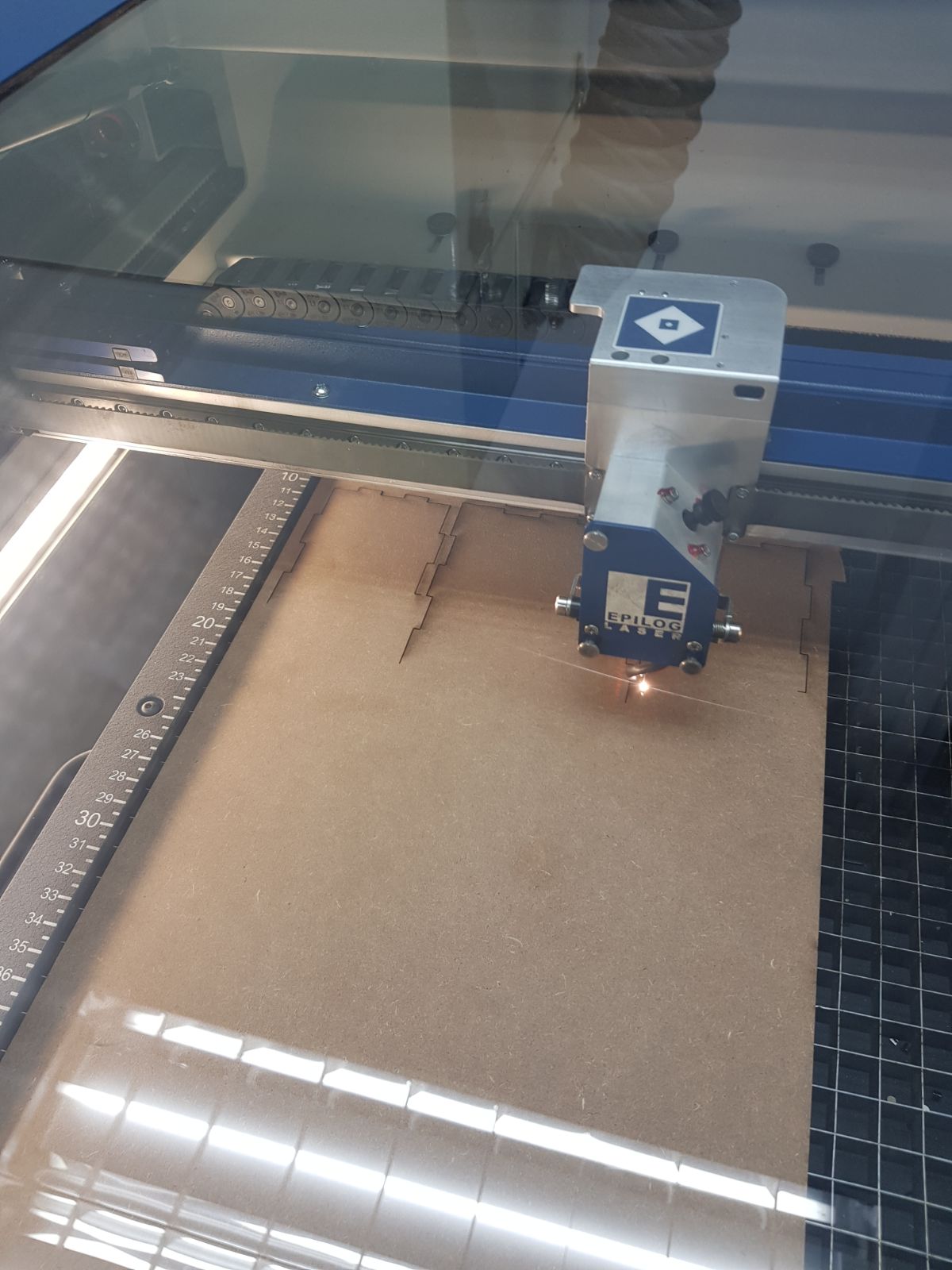
laser printing in progress
|
|
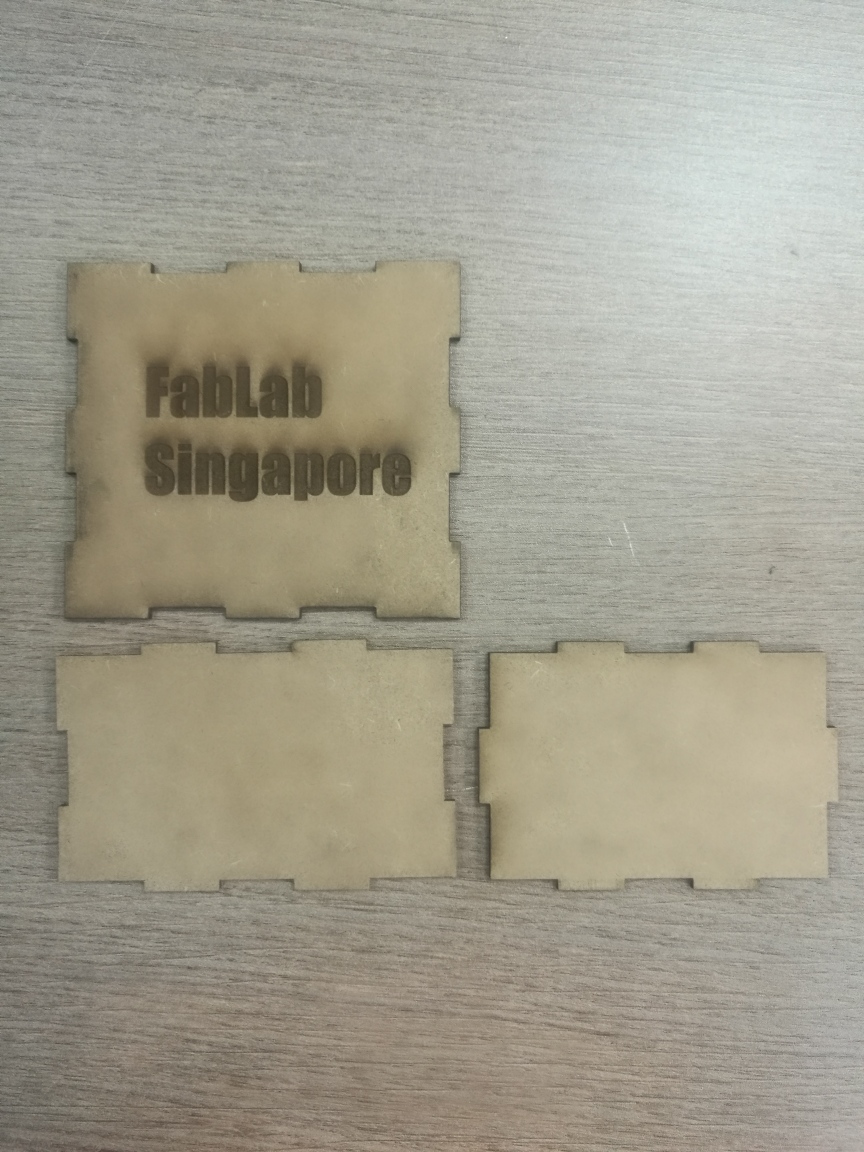
3 pcs final piece
|
|
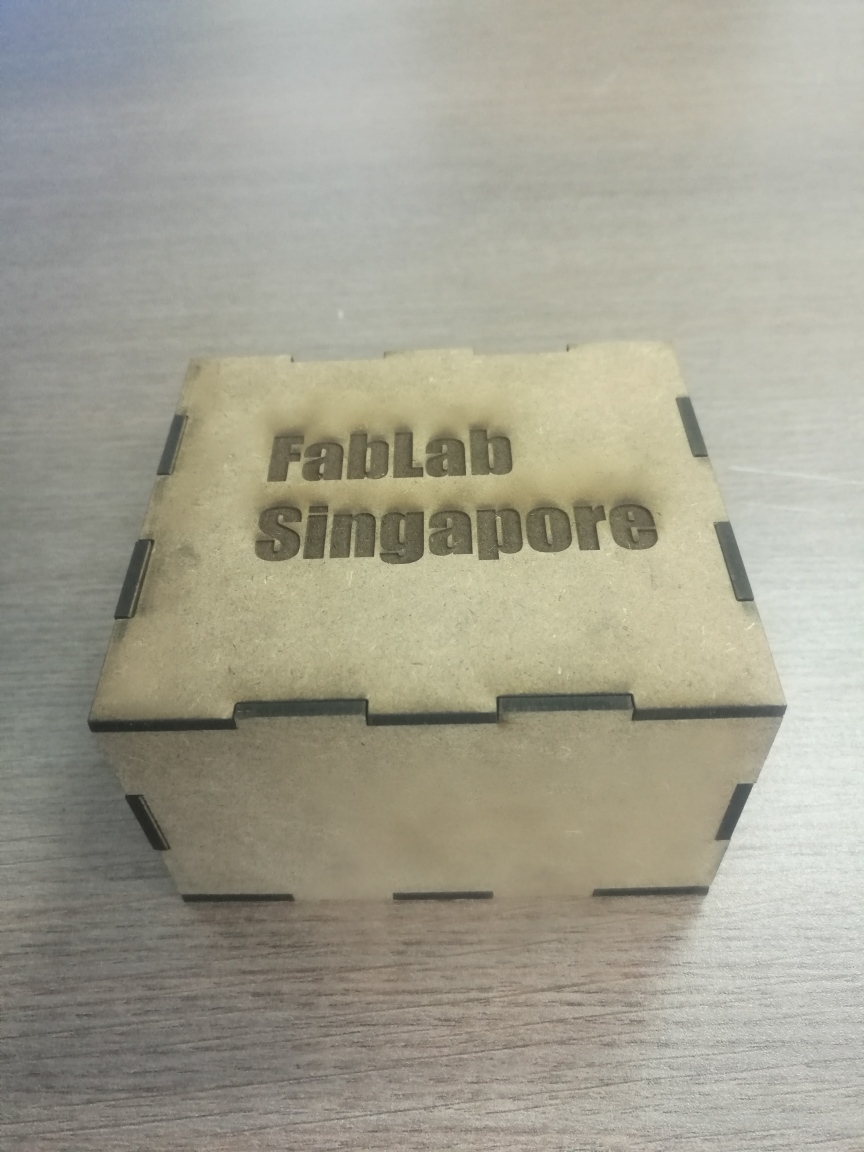
final assembly
|
Lesson Learnt
Vinyle Cutting
1. the outline of your design is too thin, you need to trace the lin eand enhance it, if you dont do it, the cutter might not detect it and therefore no cutting.
2. if your design outline is too thick, the machine will cut 2 outlines
3. The design is quite delicate, when you peeled the top layer, it might damaged the fragile part of the design.
Laser Cutting
1. one must always factor in kerf, as i kept forgetting to include my kerf during my initial tried out cutting
2. the setting of speed and power is really by trial and error, i just randomly chose a setting and then adjusted it accordingly. it can be quite frastrating.