Group Assignment:
- Measure the power consumption of an output device.
Individual Assignment:
- Add an output device to a microcontroller board you’ve designed, and program it to do something.
Individual Assignment
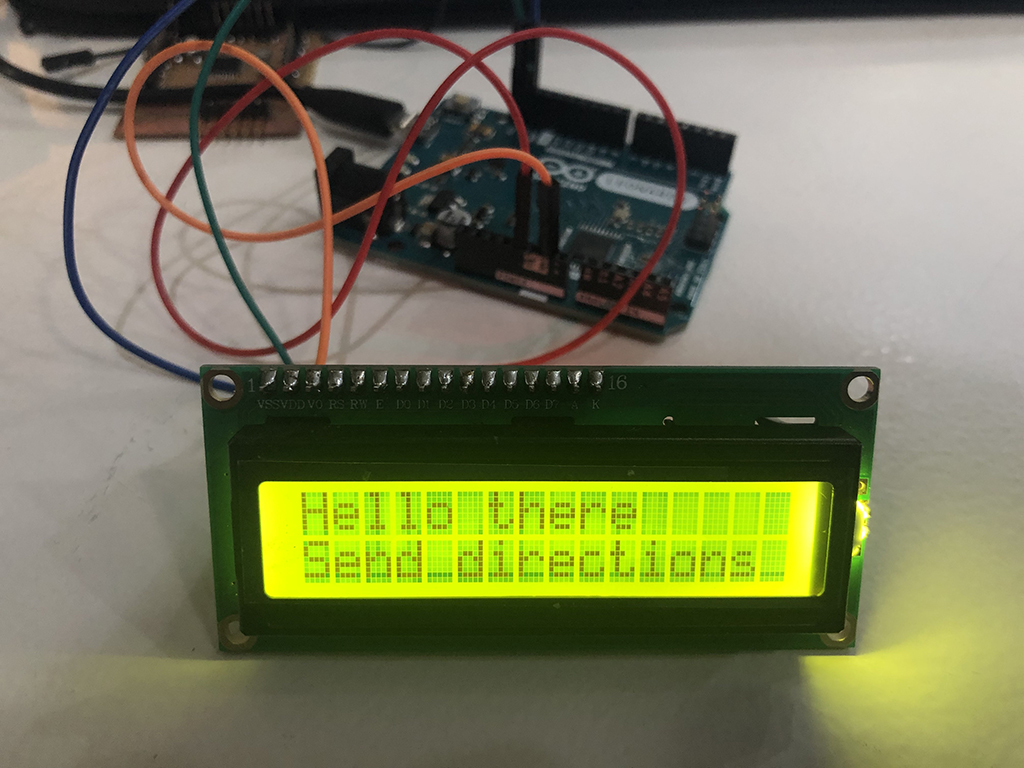
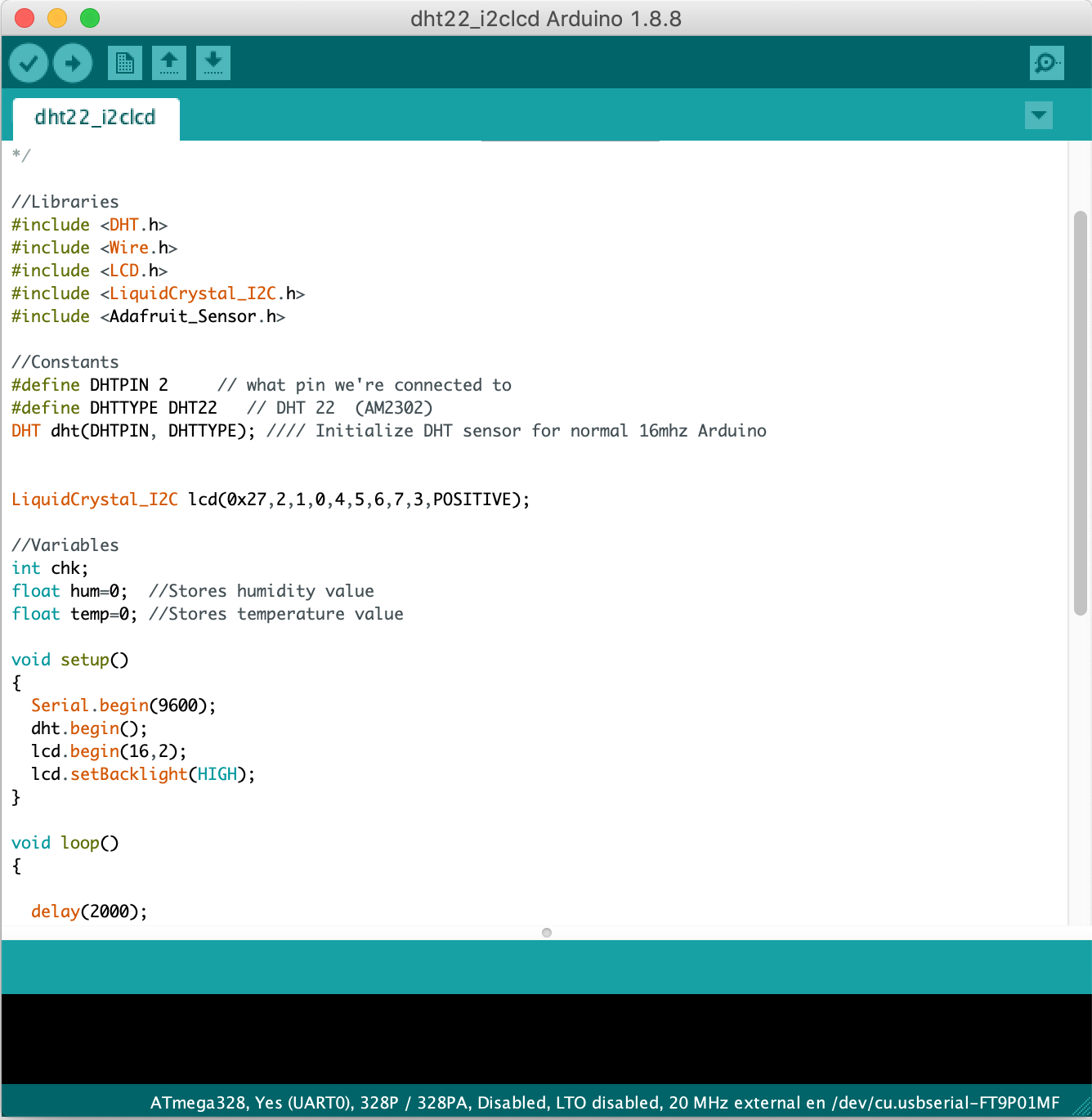
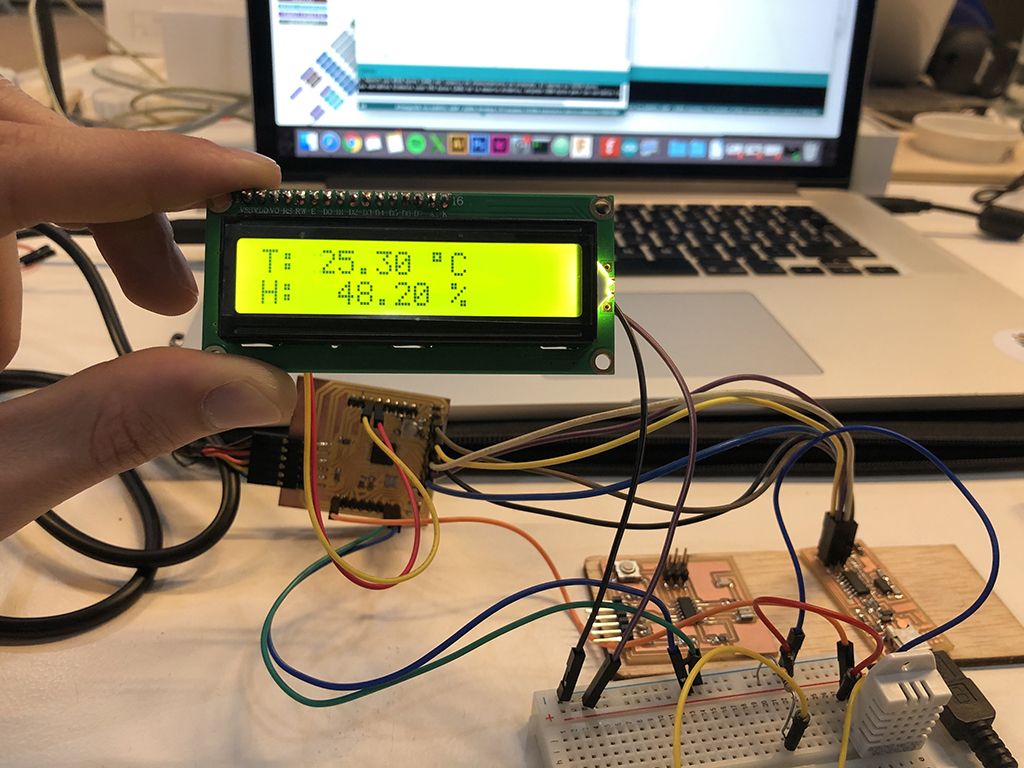
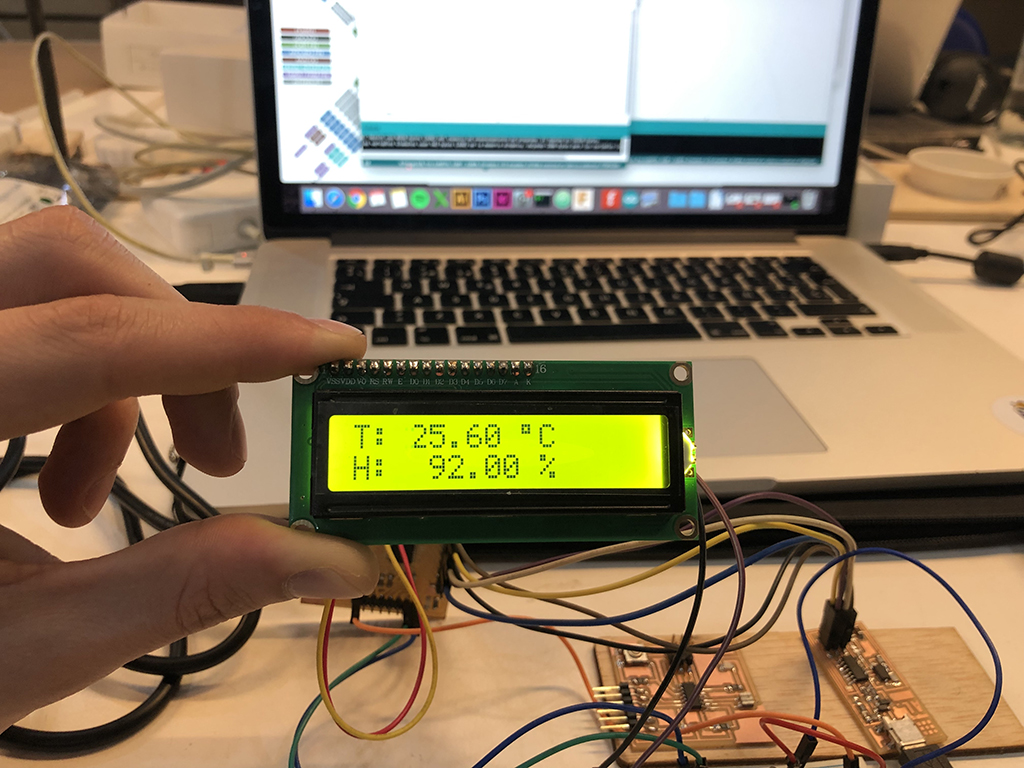
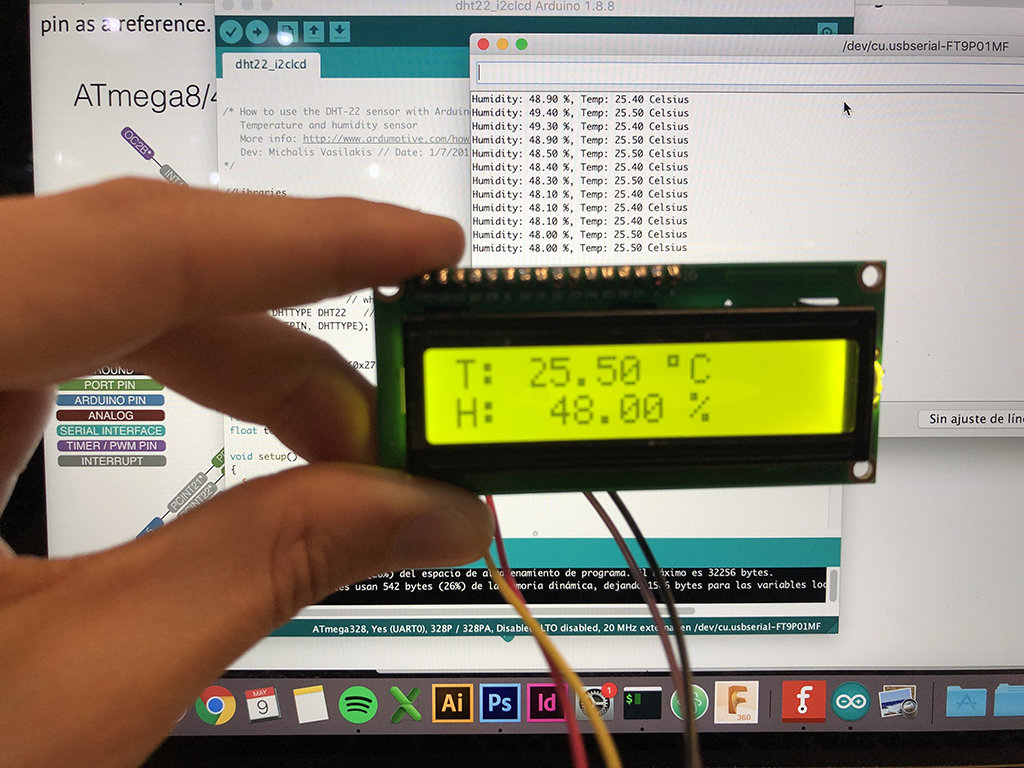
For the individual assignment I will add an LCD Display to my previous week's assignment board as an output to show the data received by the DHT22 (temperature and humidity) sensor in real time. For that purpose, I will need to add a shield board on top of my Fabduino, connecting the 24 pinouts in both layers. The display I chose to use for this assignment is a b/w 16x2 character LCD Display named HD44780 1602 Display Bundle.
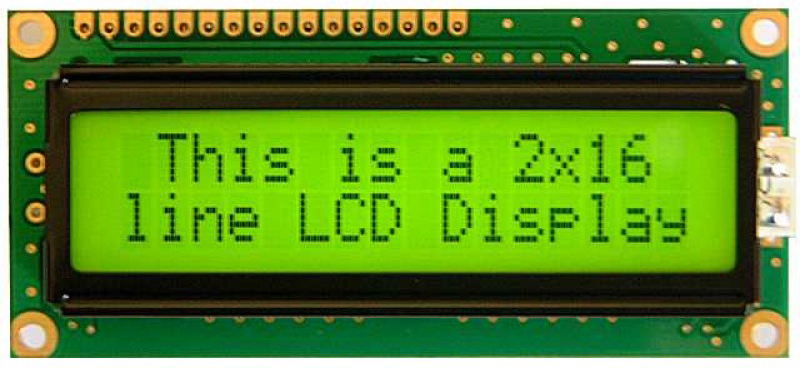
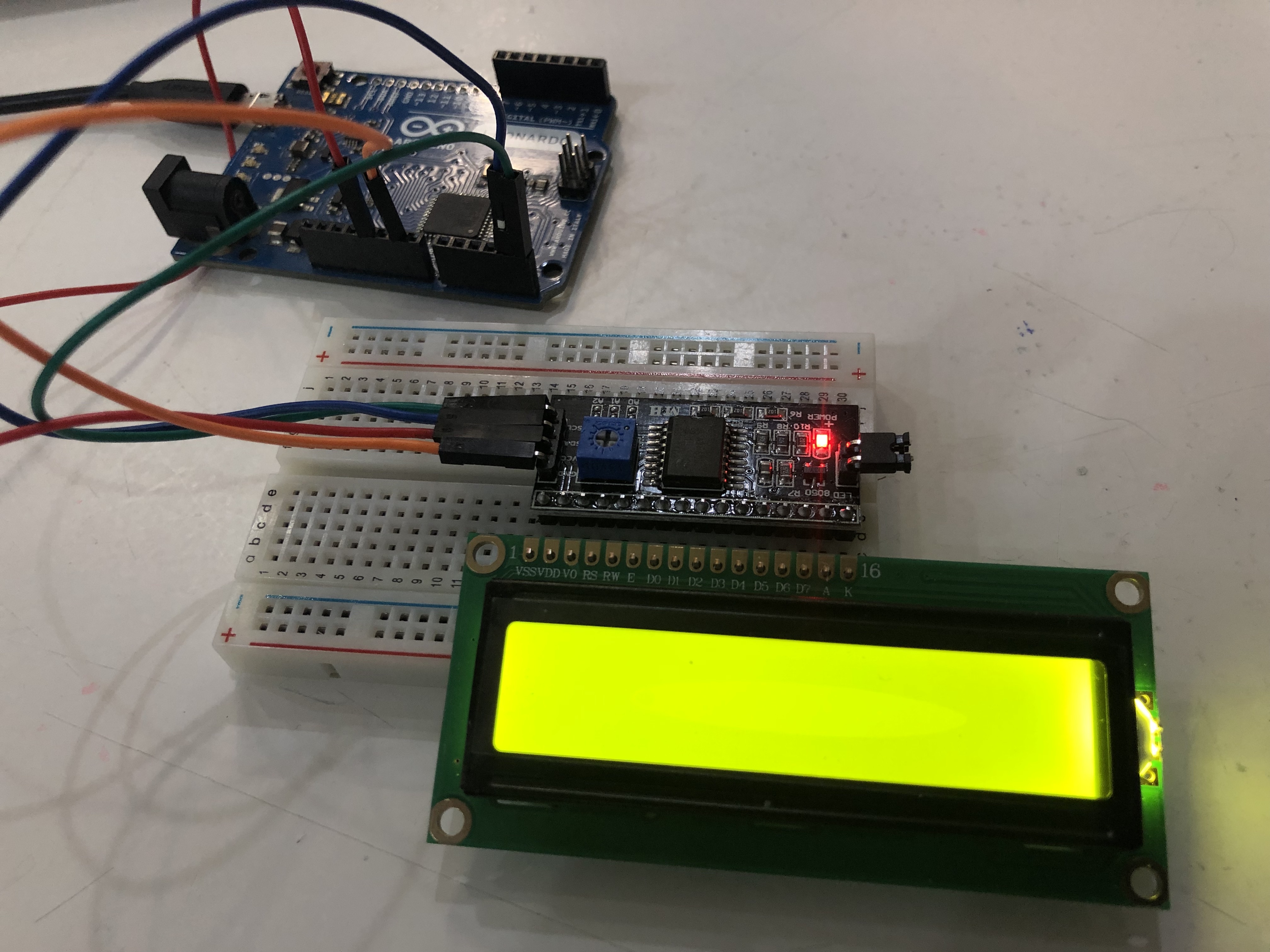
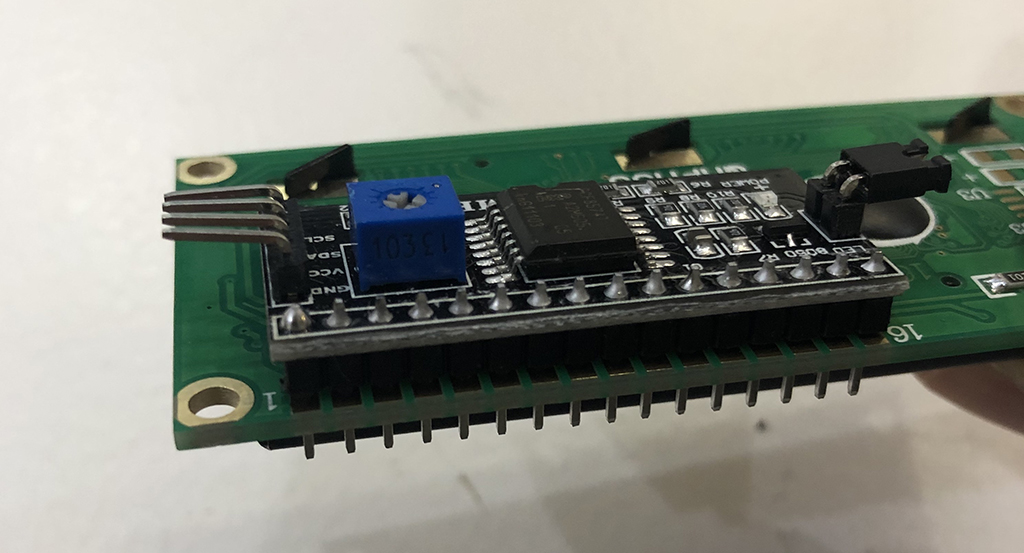
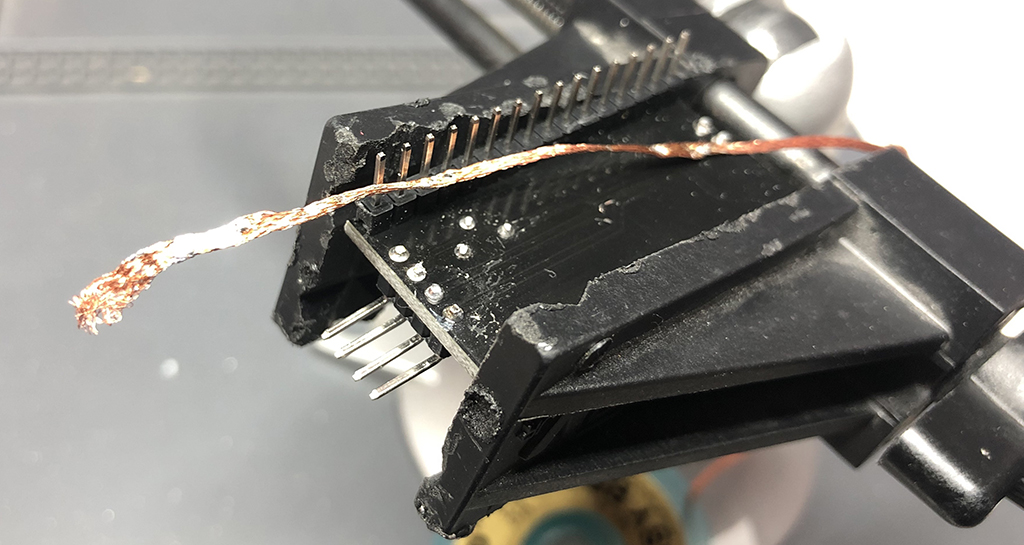
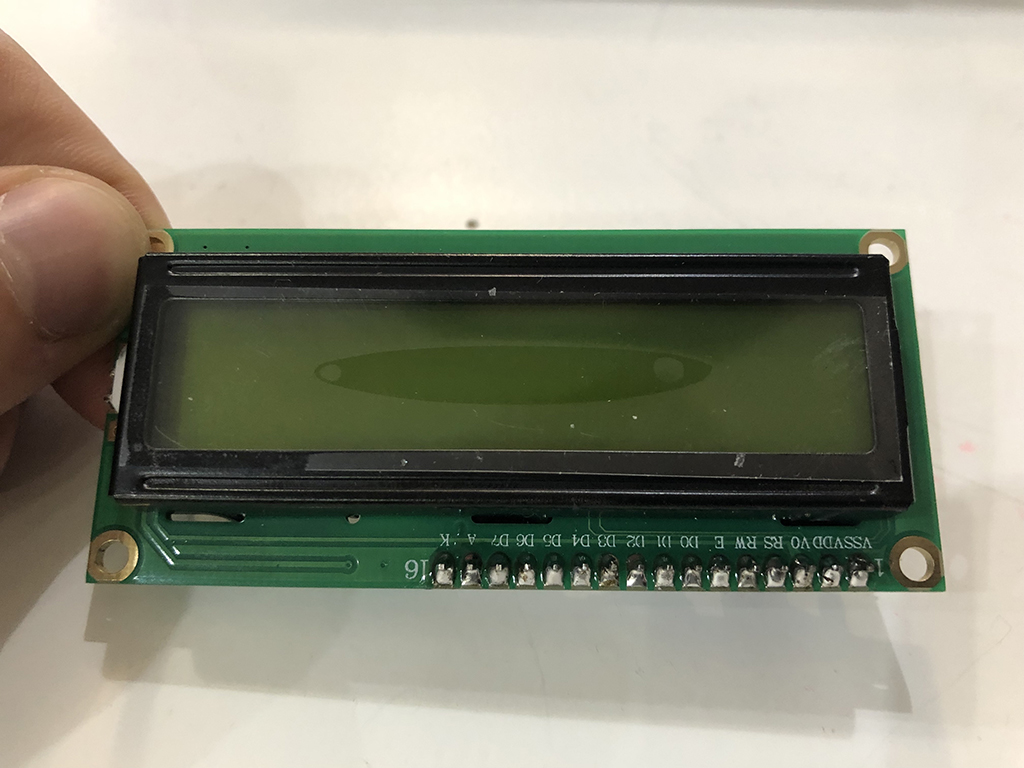
As the LCD display has a series of 16 pins to connect to the board and my board's pinout is divided in 3 modules of 8-pin series, I need to program the LCD to reduce from 16 to 2 pin connection to save time and space by using a typical protocol of I2C interface. (On this link you can find more specifications of what this component really is and how it works).
The process I took as a reference is the provider's tutorial you can find here.
1_Components
The components I am using for this assignment are listed below:
- Fabduino board
- HD44780 16x2 LCD Display
- I2C Scanner (for the I2C LCD pinout setup)
- Temperature + humidity sensor: DHT22
- 10 kohms resistor
- 3 series of 8-pin male-male connections
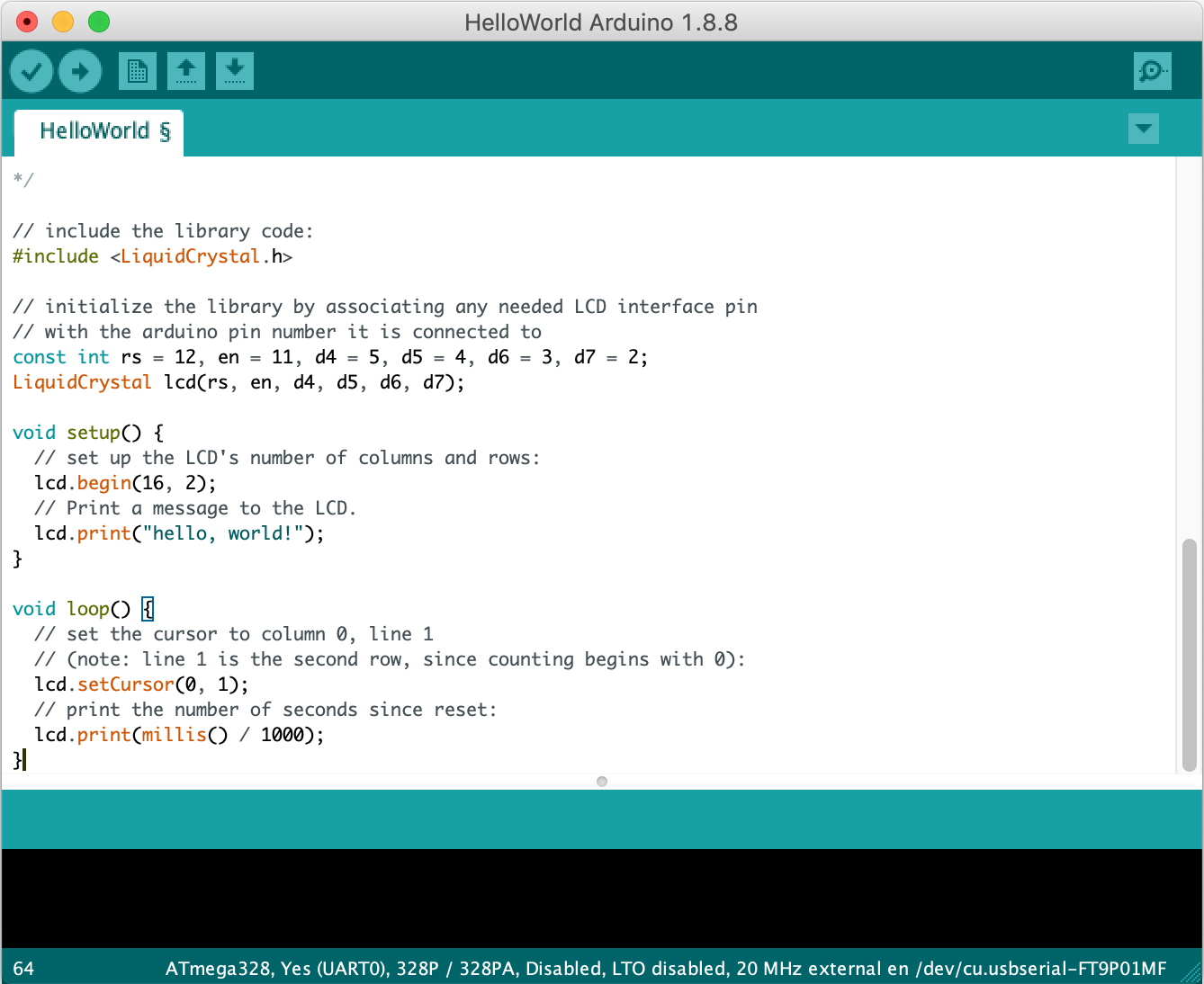
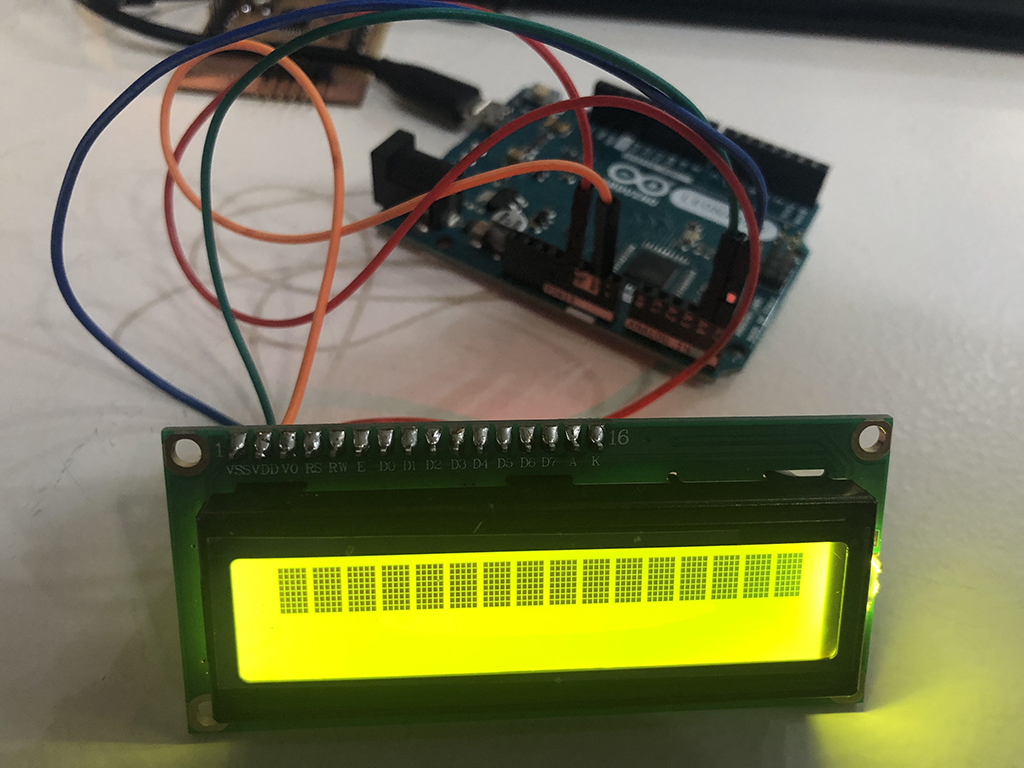
2_Testing the LCD display
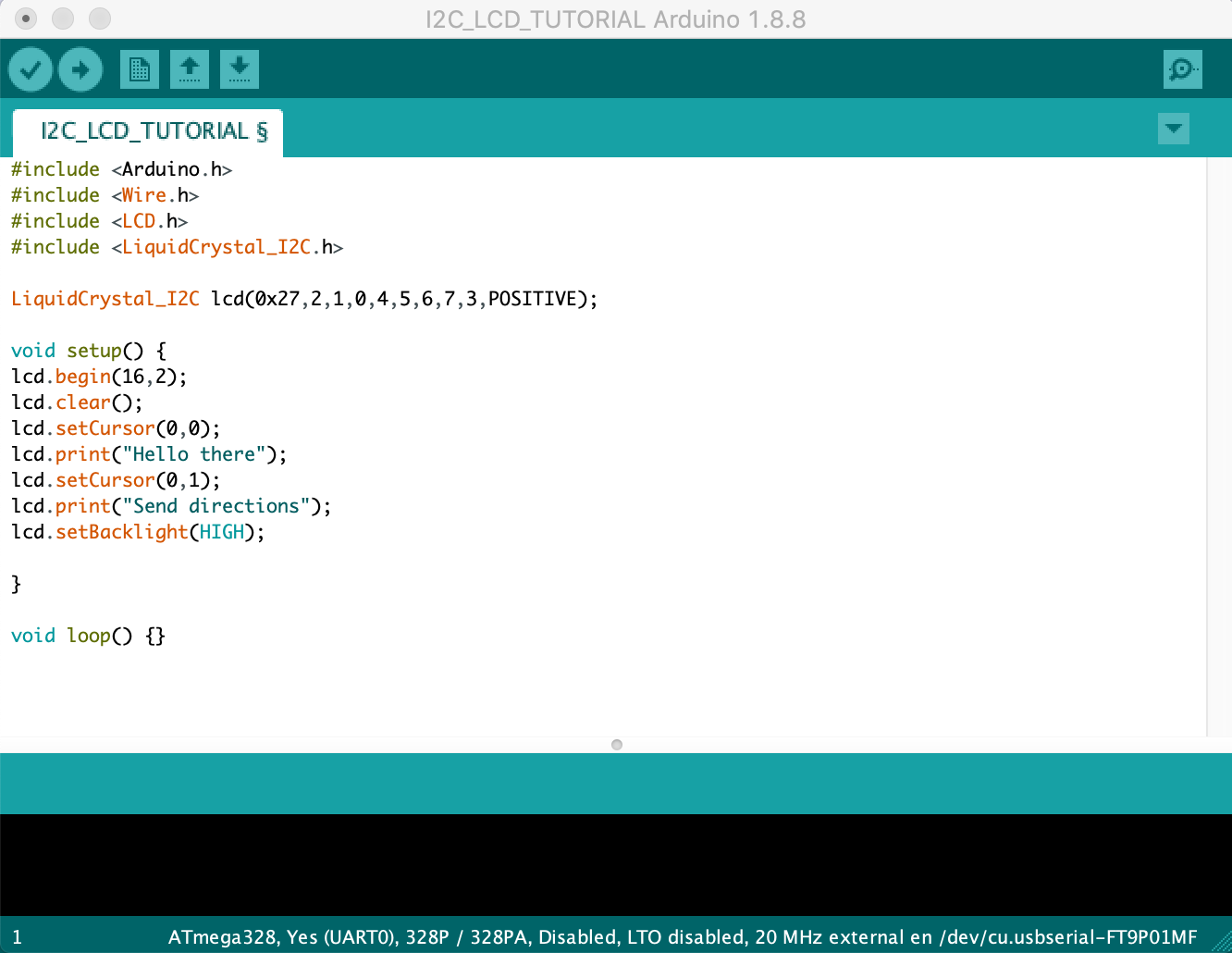
To test the LCD Display I...
3_I2C to LCD display
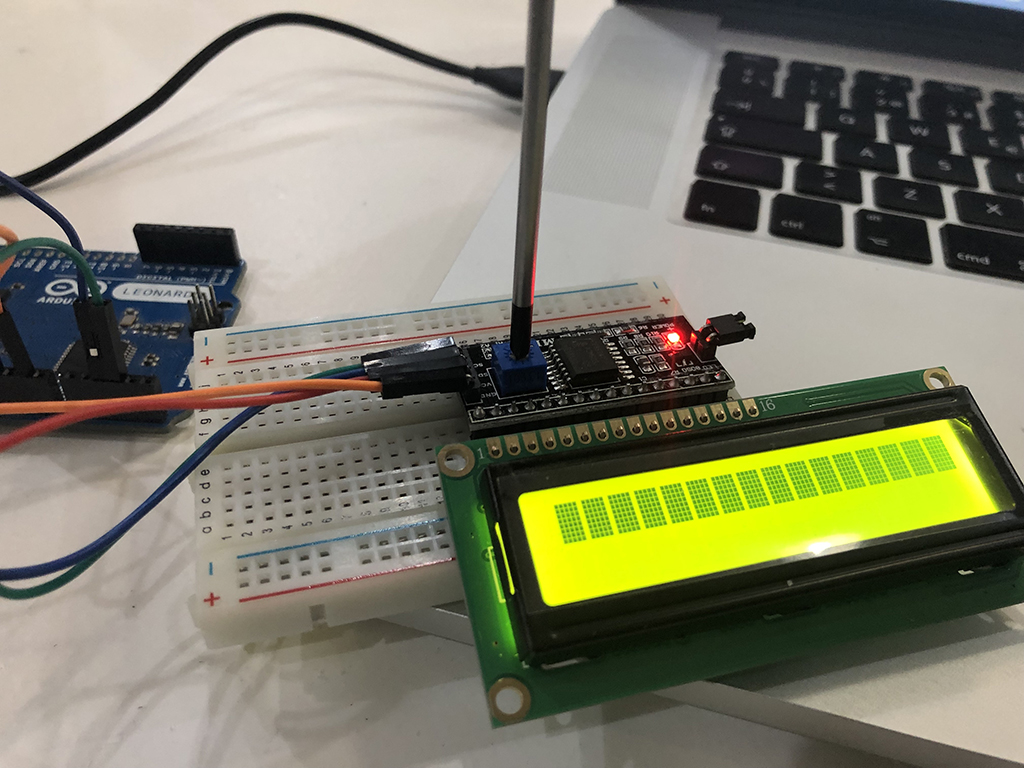
Before adding the LCD display to the circuit, I need to connect it first with the I2C protocol to avoid using all the LCD connections (19). With this protocol, you reduce them to just 4 (GND, VCC, SCL-clock, and SLA-data). I will just need to connect the LCD display to my Fabduino and the I2C board with 4 wires (2 power connections, 1 data and the clock connection).
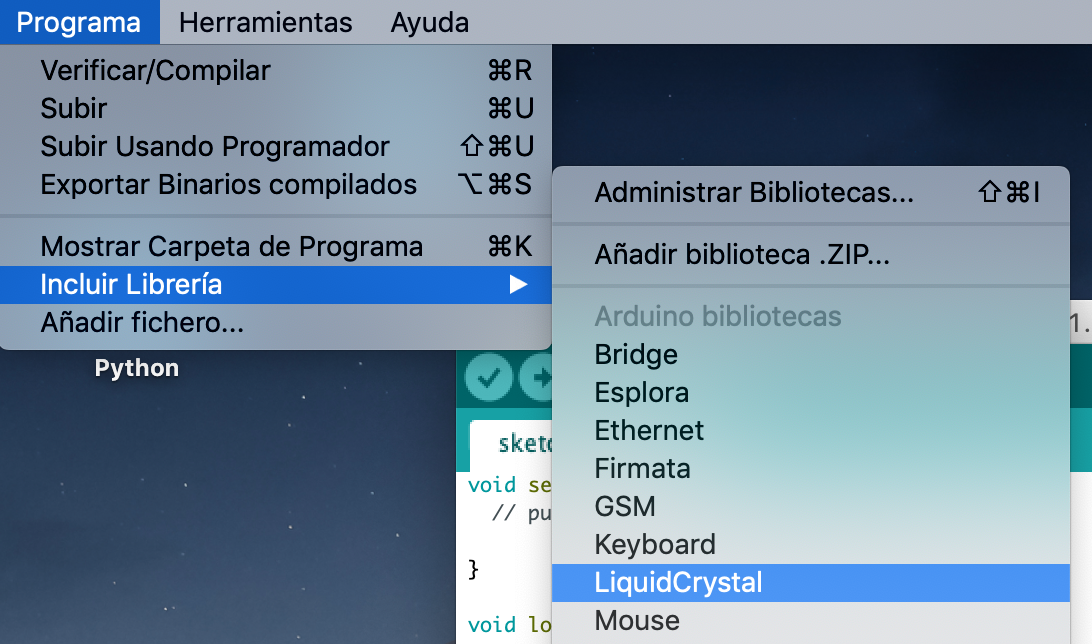
- Download LCD library for Arduino from this link, and install it.
https://www.hackster.io/giftedmedia/arduino-dth22-humidity-temperature-with-lcd-i2c-16x2-display-8fe3c9