15—Interface and Application Programming
Assignment
- Group assignment:
- Compare as many tool options as possible.
- Document your work on the group work page and reflect on your individual page what you learned.
- Individual assignment
00—Reflection
Interface design is a particularly broad category with quite a lot of options to choose from. For the purposes of our class the tools most relevant to us were ones that enable easy high level interfacing with common MCUs like the ESP32. So below most of the applications we chose to look over reflect this interest. There were many many… many low level options that were covered in the global class that we chose to ignore. For the most part none of us are developers (except for Gonzalo) so we were really looking for platforms that required minimal knowledge of coding to get a useful result.
01— Interface Design Platforms
Overview: Arduino Cloud
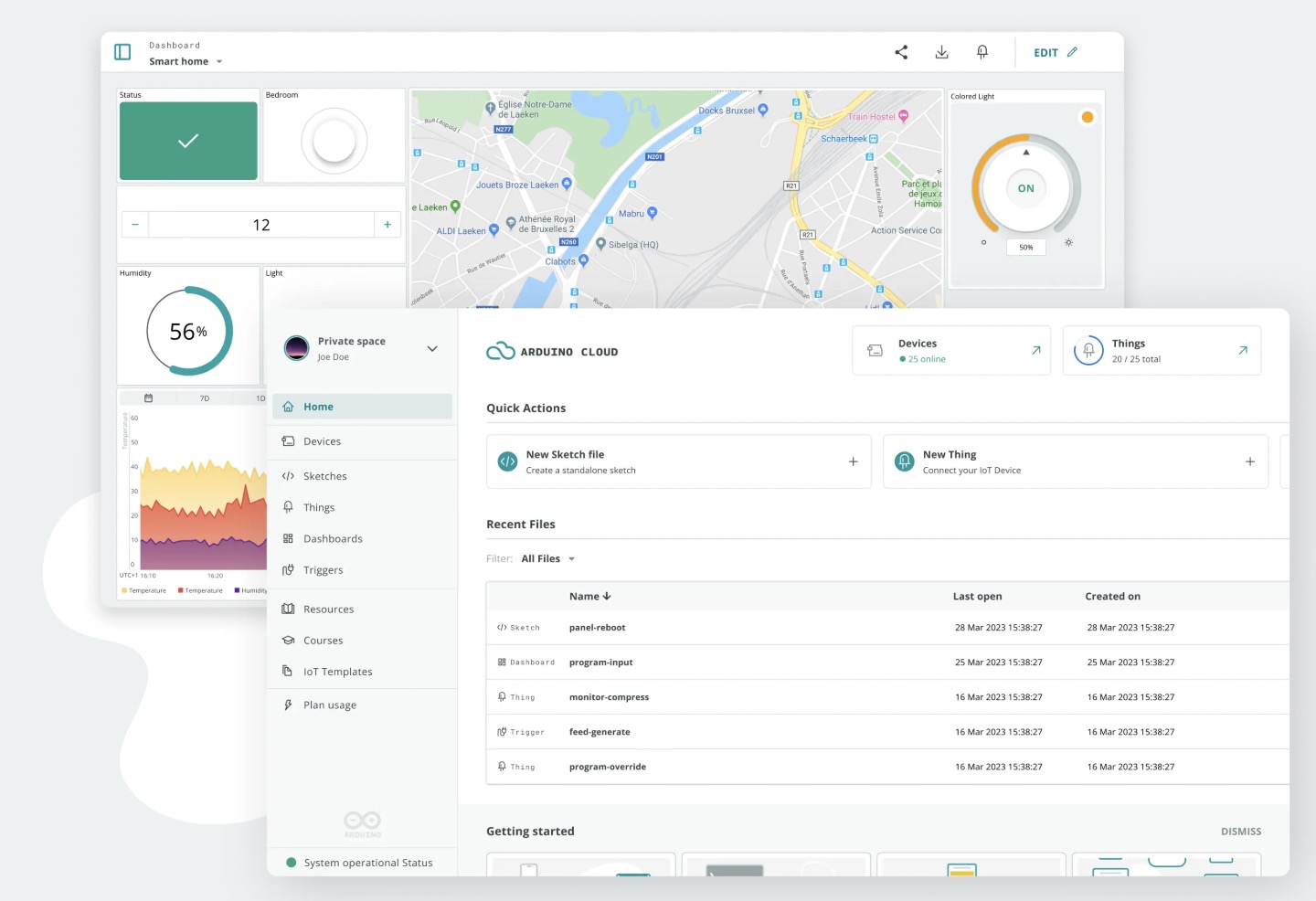
In brief: Arduino Cloud is a very capable interface building platform for Arduino brand boards and most ESP32 based boards. It main strengths are its very easy to configure user friendly dashboard and its in built web hosting. Basically when you make a dashboard it is automatically hosted on the Arduino Cloud server. That said beyond this there is more to consider.
Pros
- Well thought through setup wizard for easy configuration with existing code.
- Very well designed UI elements
- Automatic configuration for Arduino IOT remote control phone app.
- Dashboard can combine control and or monitoring elements from multiple wifi enabled projects
Cons
- Free kind of — A free plan exists, but realistically you would want to spend the $7 a month to use the platform for a project. It has in built web hosting so personally this is worth it for me.
- Hosting on a cloud server— This can be a pro or con. I could see situations where I would prefer to use a local peer to peer wifi network for reliability.
- Limited compatibility—you can’t use any board you can only use Arduino name brand or the fairly comprehensive (but not complete) set of ESP32 based boards.
- Interface is online and thus has the common irritations of working in web based software.
Overview: Touch Designer
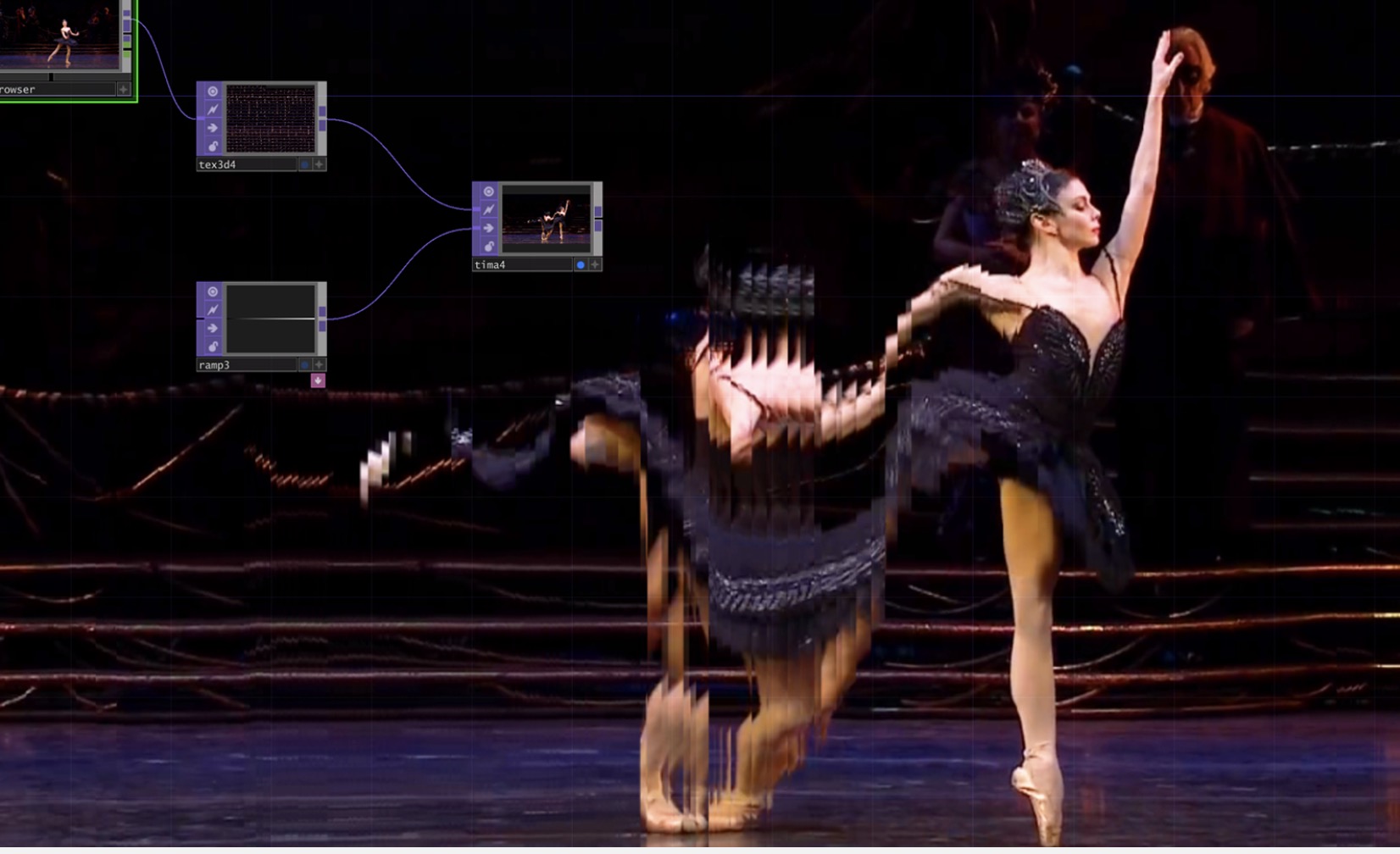
In brief: Touch Designer is an amazing piece of software… with a frustratingly lame UI. Touch designer is a node based application for creating realtime interactive applications geared towards live audio visual control and performance. It is a proven less-code way to custom realtime applications that can easily process a ton of possible inputs and produce a ton of possible outputs.
Pros
- Mature actively developed suite of tools to build applications for live control and performance.
- Many prebuilt nodes for working with different input devices like mouse, PS5 controller, MIDI, HID, Kinect etc.
- Many prebuilt nodes for output including artnet, DMX, multi-projector.
- Fully customizable with python scripting and a very active user base.
Cons
- Significant learning curve
- License cost $300 (Education one time) $600 (commercial one time)
- Not lightweight / needs a full PC to run it.
Overview: Processing / p5.js
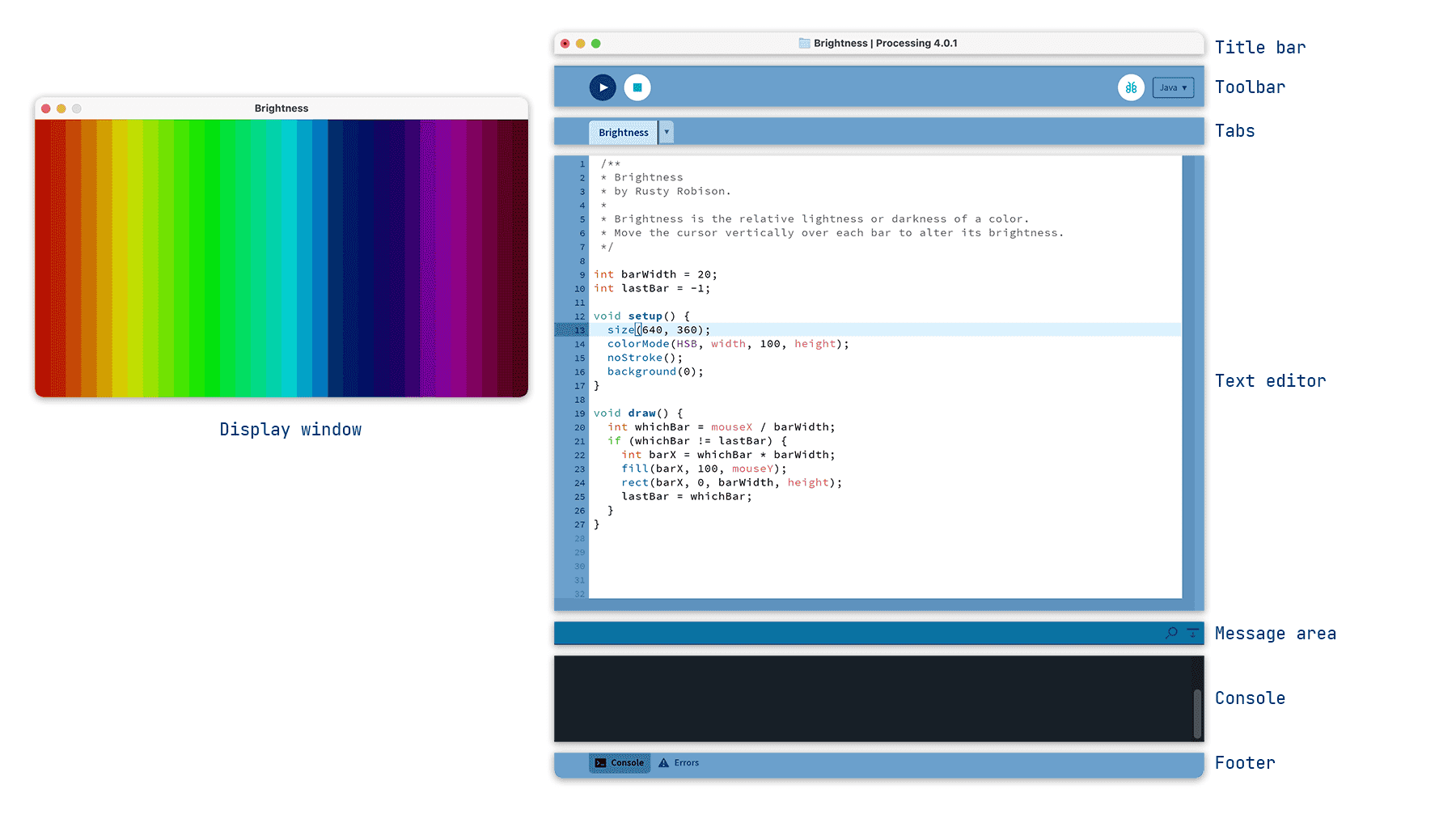
In brief: Processing is a java based an open-source software sketchbook and development environment specifically designed for coding interactive graphics, animations and processing input devices for realtime visualization. Its strength are that its in built libraries make it a lot easier for a beginner to get up and running. P5. The environment provides many easy to use elements specifically geared towards visual artists to tweak the output of the software as well as create simple interfaces or pipelines for realtime control. P5.js is web native Processing built on Java Script and has a slightly different syntax.
Pros
- Easy to start from no knowledge to producing a working visual output.
- Lots of high quality example code to work from on the processing website.
- Free and open source
- Very active User community
- Very well documented
Cons
- High level environment and not a high performance set of tools for building professional applications.
- Not good for managing large code bases.
- Only suitable for creating simple User interfaces
- Mostly for realtime graphics on a PC and not built for working with common MCUs like the ESP32 directly.
Overview: Streamlit
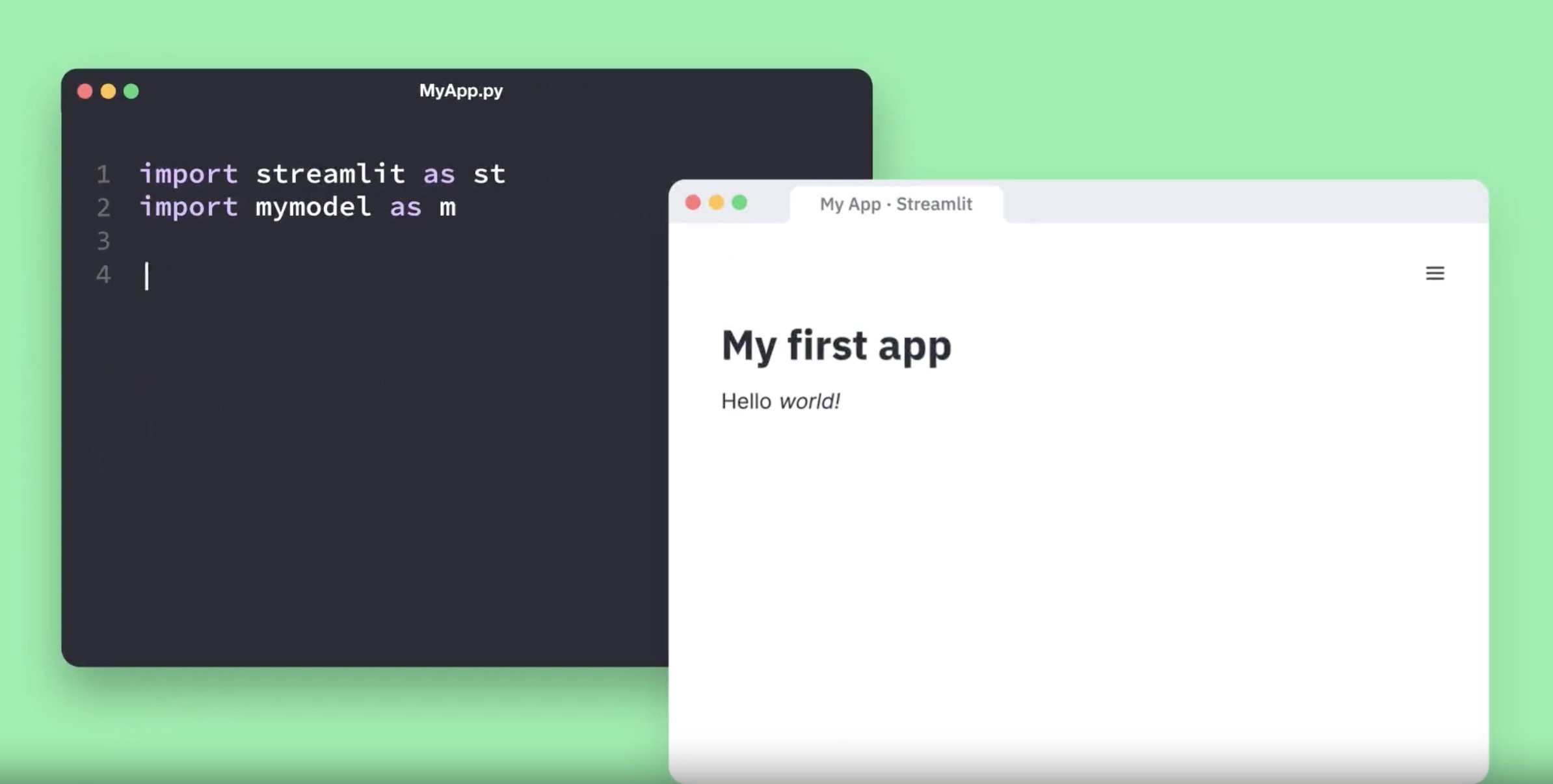
In Brief: Streamlit is a python library that enables you to quickly deploy interactive web native apps or for our purposes highly functional dashboards for controlling web enabled MCUs like the ESP32. Streamlit has a variety of prebuilt interface elements that enable you to build attractive web interfaces with a lot of functionality. While the platform is meant to be low code it does require knowledge of Python.
Pros
- Provides a variety of prebuilt interactive widgets like sliders, buttons, text inputs, dropdowns, file uploaders etc.
- Setup to be deployed through common web hosting platforms (Community Cloud, Heroku, AWS etc.)
- Has a lot of examples to pull from and what seems like and a fair amount of high quality examples and tutorials.
Cons
- Is not an open source application free version has some limited functionality.
- Not a fully customizable platform for complex web applications. This is a pro depending on how you look at it. This tool kit is intended to reduce the complexity of creating web applications and thus you are trading off deep optimization and deep customizability.
- The platform is meant to be programmed with Python so does not leverage common workflows or languages that are more common to web development.
02— Compare and Contrast: Interface Design Platforms
All 4 options have their own strengths it really depends a lot on what you are trying to achieve. That said, we think the interface building applications most relevant to the Fab Lab community are Arduino cloud and Streamlit. Both of these programs simplify the process of creating a web connected hardware project and enable you to create a reliable and attractive remote monitoring/ control interface. Whereas, Arduino Cloud is suitable for a beginner with great tools for simple monitoring and remote control, Streamlit is a more flexible fully featured suite of tools for visualization and interface design. Both tools excel at quickly creating a useful interface for a web enabled hardware project.