Week 16, Wildcard Week
Table of Contents
- Overview
- Resources
- Final Version
- Designing
- Micromachining
- Files
Overview
This week, I'll be using xTool F1 Ultra to cut and engrave metal.
Resources
- I used xTool Studio.
- I used Cuttle.
Final Version
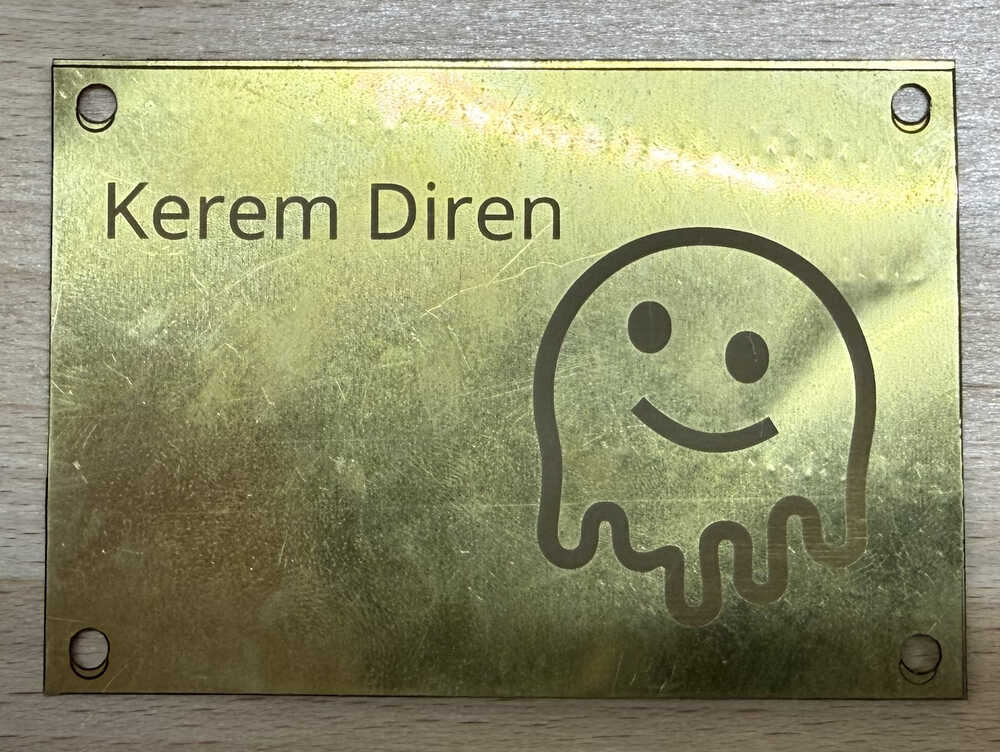
Designing
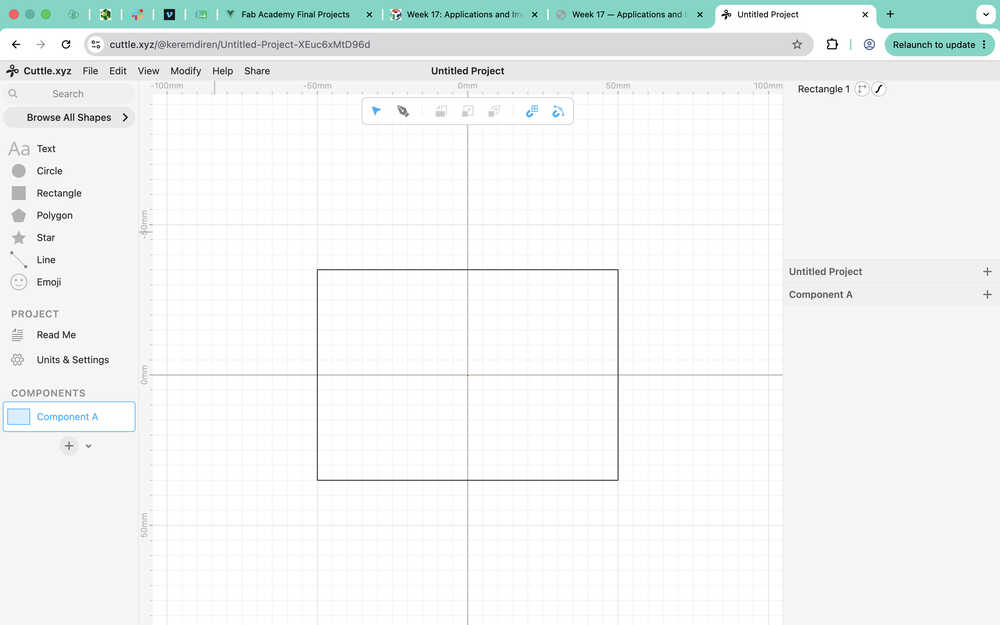
I started with creating this rectangle. I want to make a plate and engrave stuff on it. I'll also make screw holes.
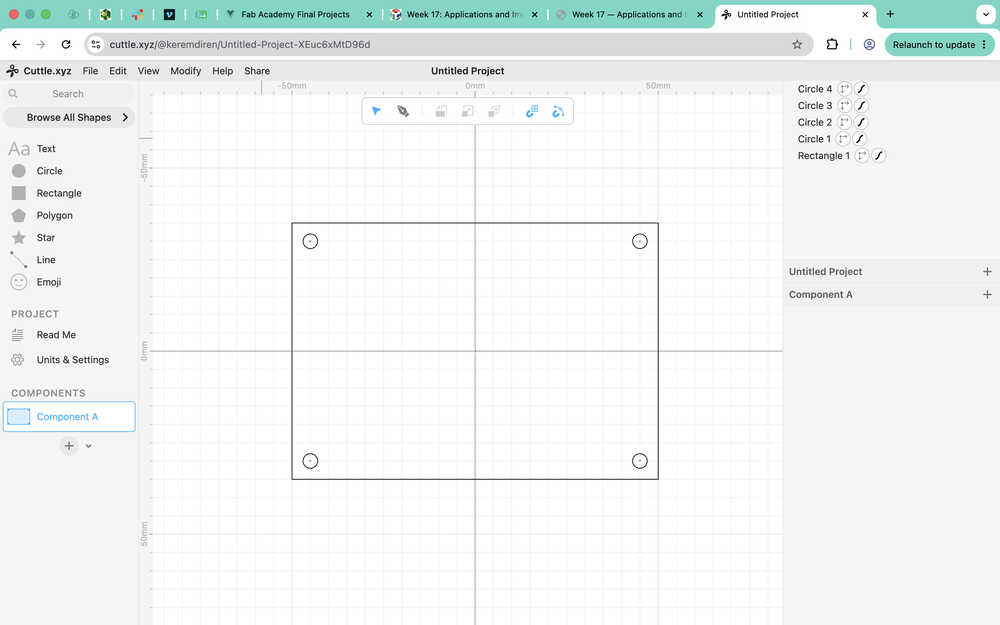
I made some 4mm screw holes.
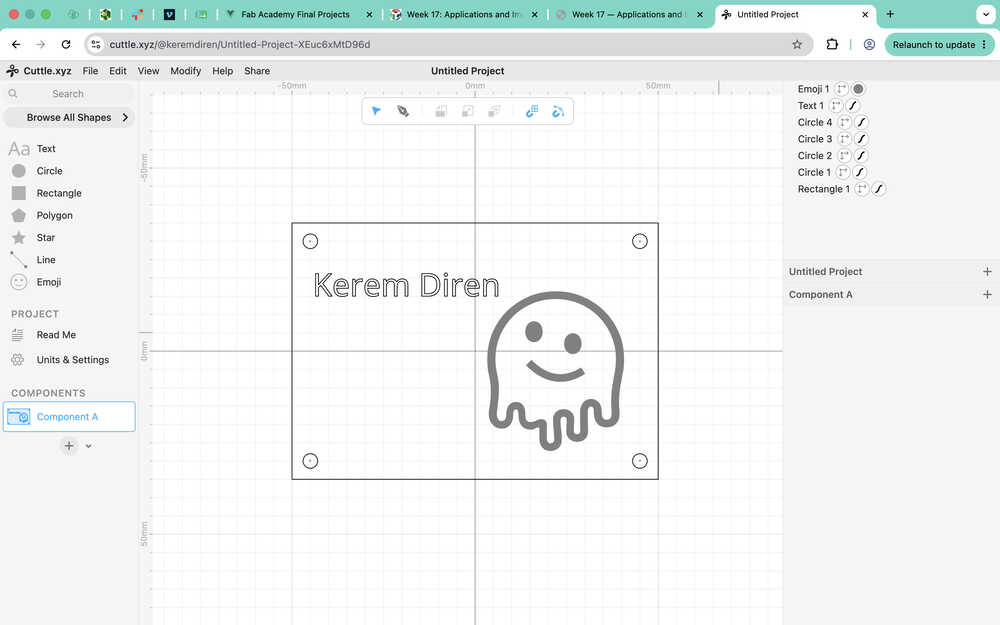
I wrote "Kerem Diren" here and made a face.
Micromachining
I opened the thing I designed in xTool Studio.
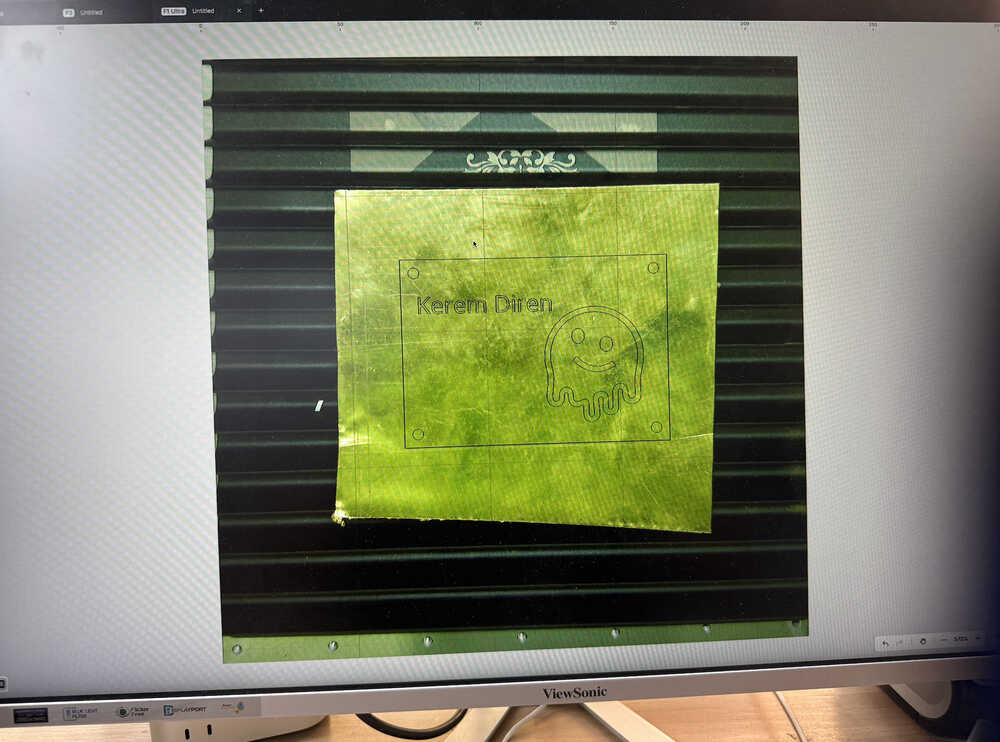
While selecting "Brass Sheet" as my material, I got a warning.
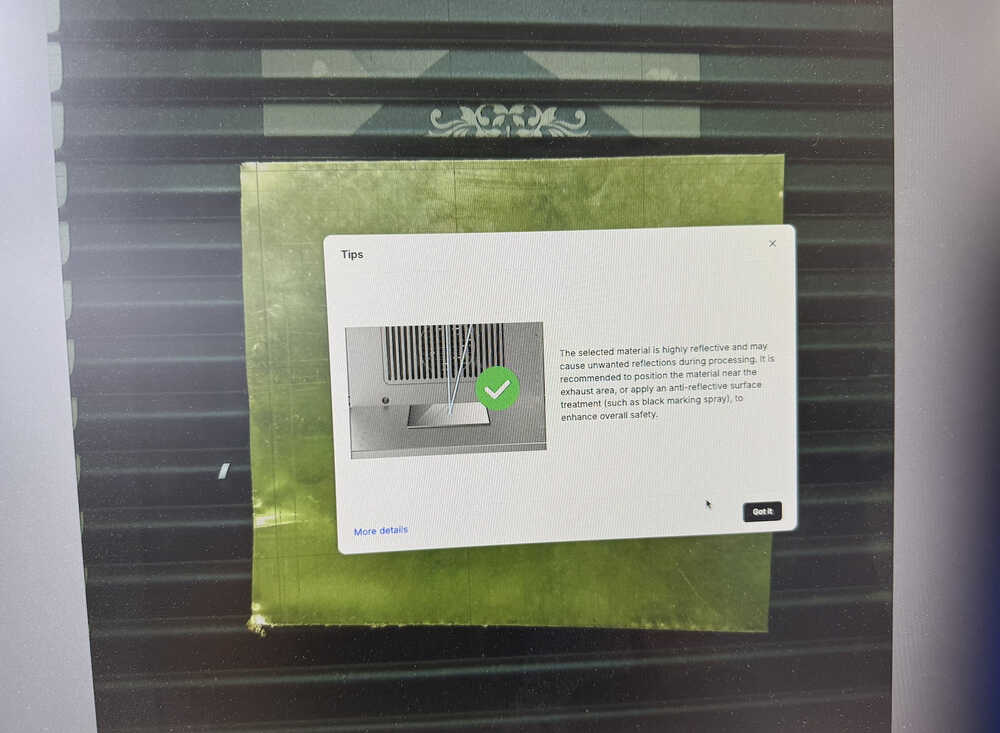
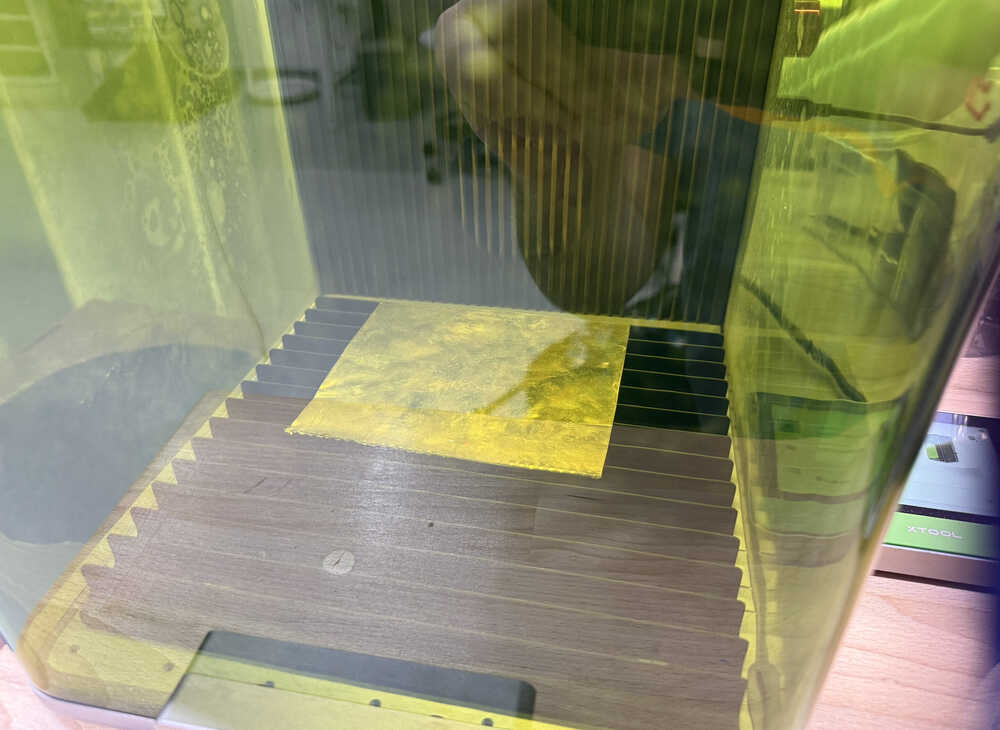
I placed the material as such.
I used the ruler next to the thickness setting button to auto-measure.
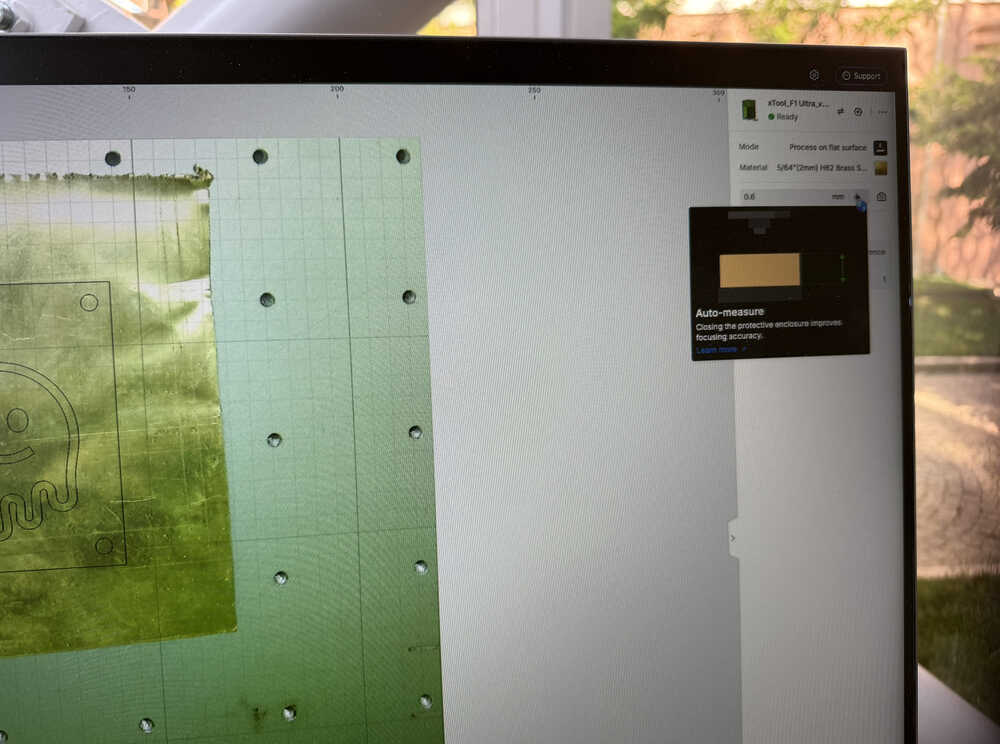
The auto measure was wrong since I tried measuring it later and it turned out that the thing had a thickness of 0.6mm.
I separated the parts I'll cut and the parts I'll engrave.
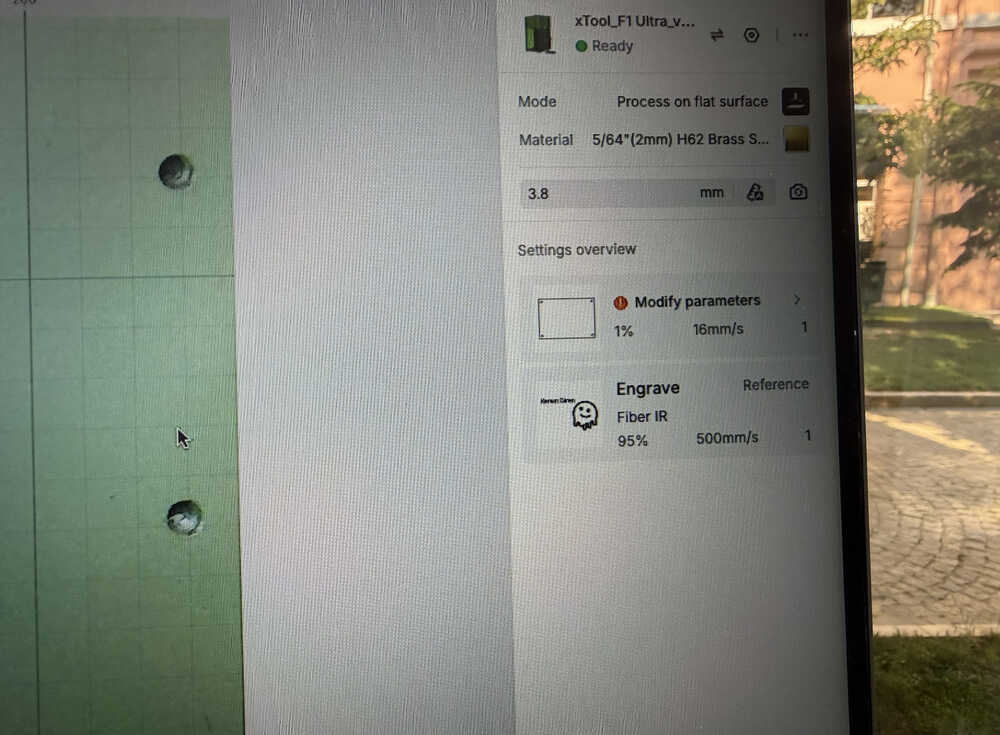
The following are my settings for cutting and engraving.
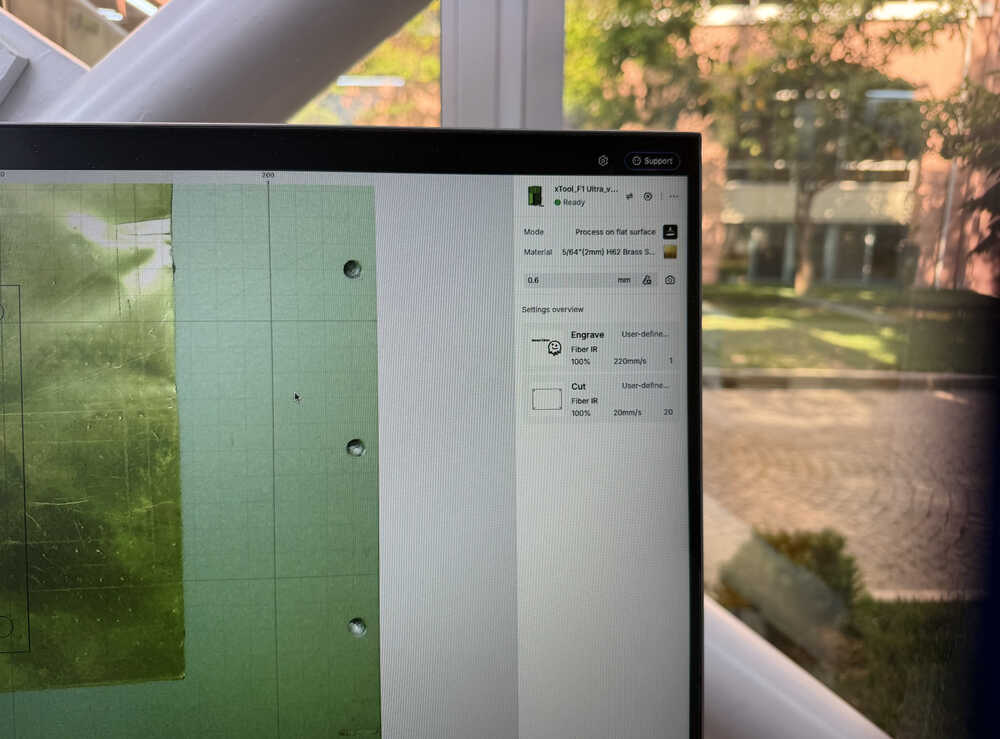
I got these setting from ChatGPT.
I started the machine (after turning on the air filter).
Video:
The machine couldn't cut, so I started the cutting part again.
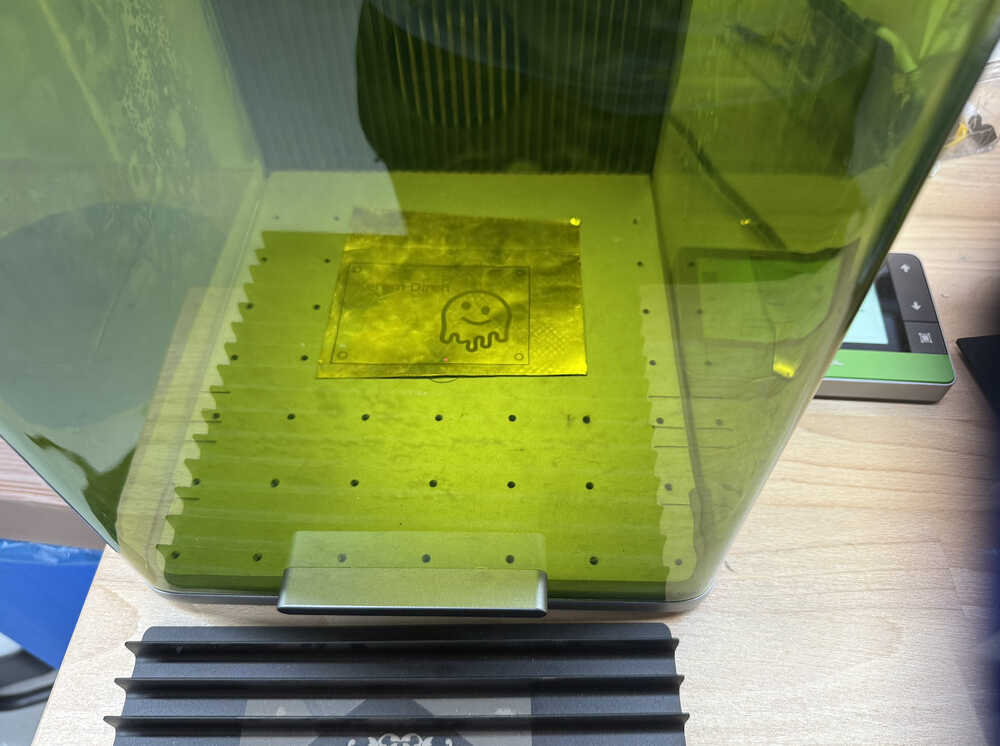
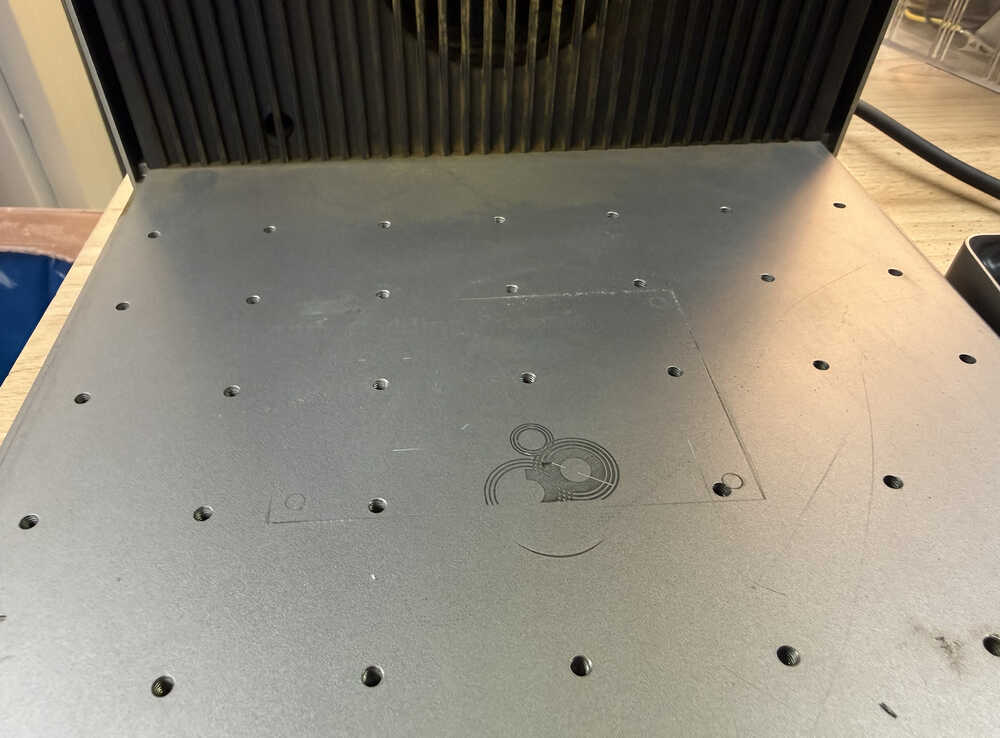
After about 9 more repeats (which made up a total of 200 times going over, including the first repeat), the brass sheet was finally cut. I mean, some parts were still not fully cut, but because they were thin, I was able to literally tear those parts.
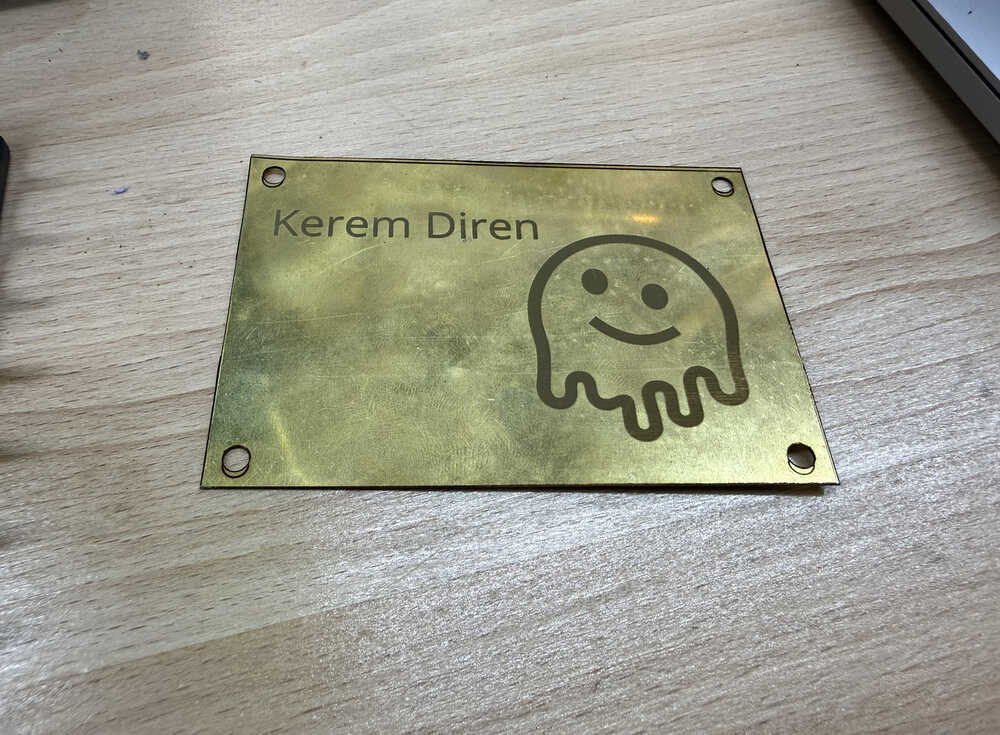
The damage I've caused:
Files
Here are the files.